Decimal Subtraction Worksheets — Free Printable Generator
Generate decimal subtraction worksheets in seconds. Set a whole-number and decimal range for each number, choose tenths or hundredths, and download a ready-to-print PDF or editable PowerPoint. Answers are always kept non-negative.
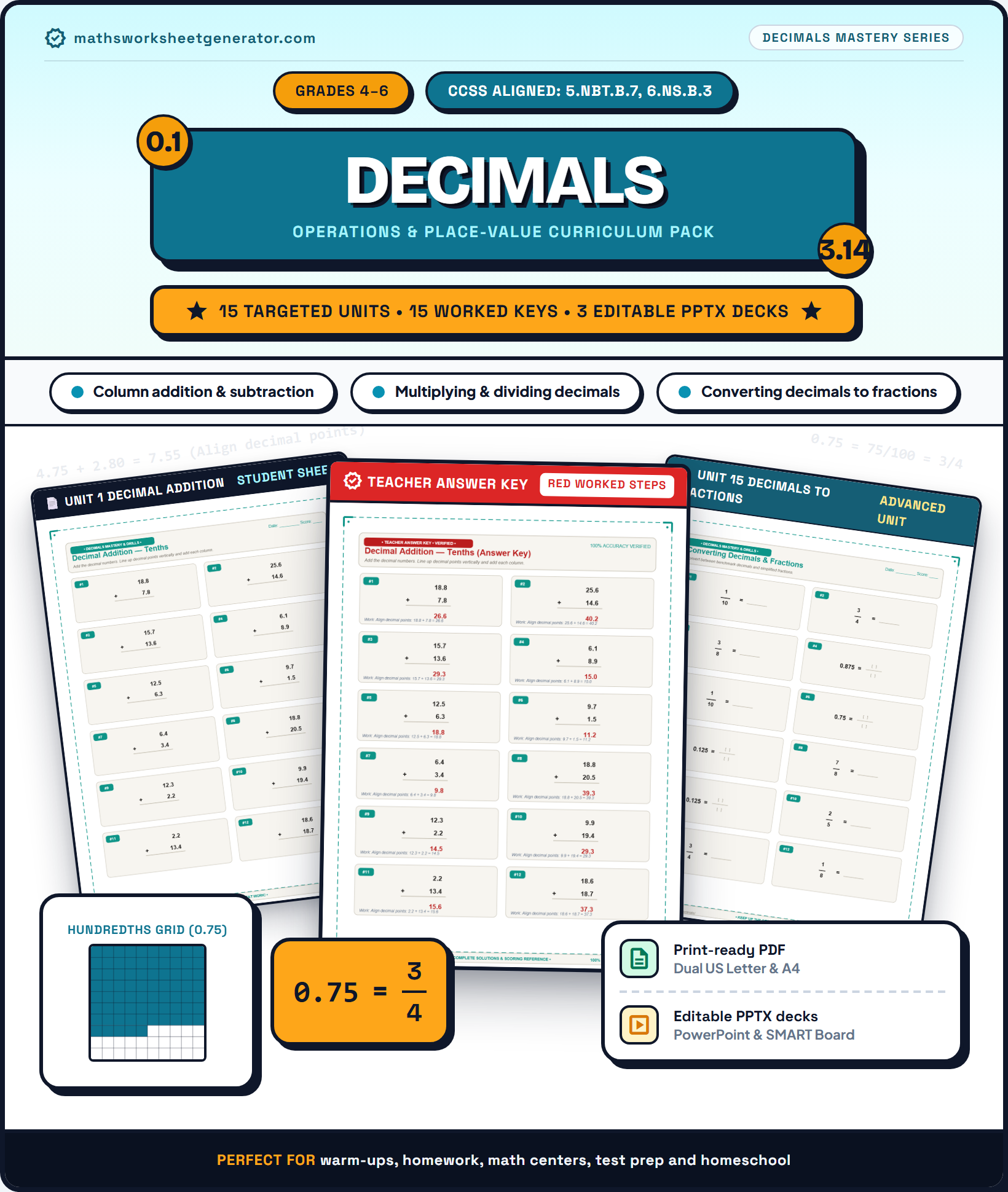 Binder Cover$4.99
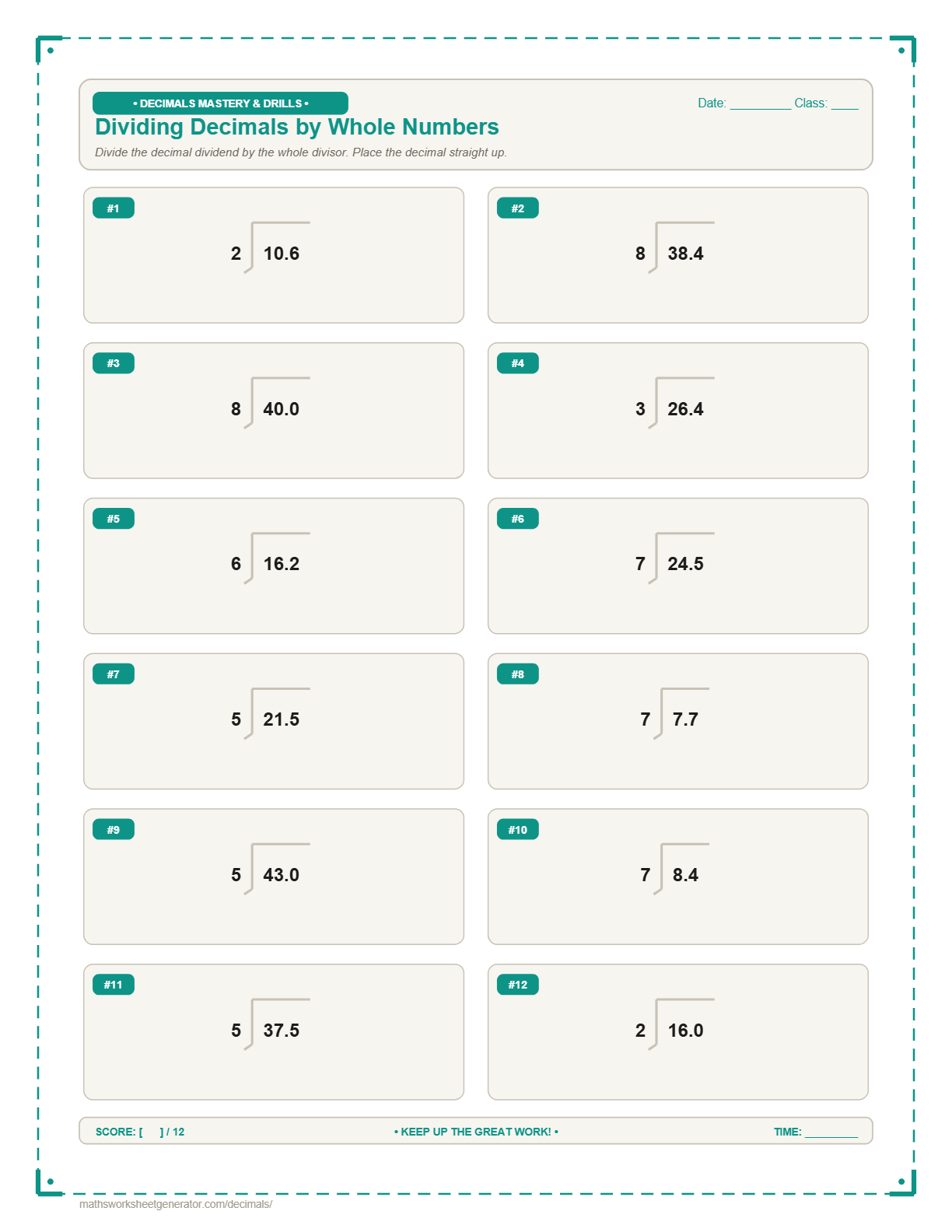 Long Division$4.99
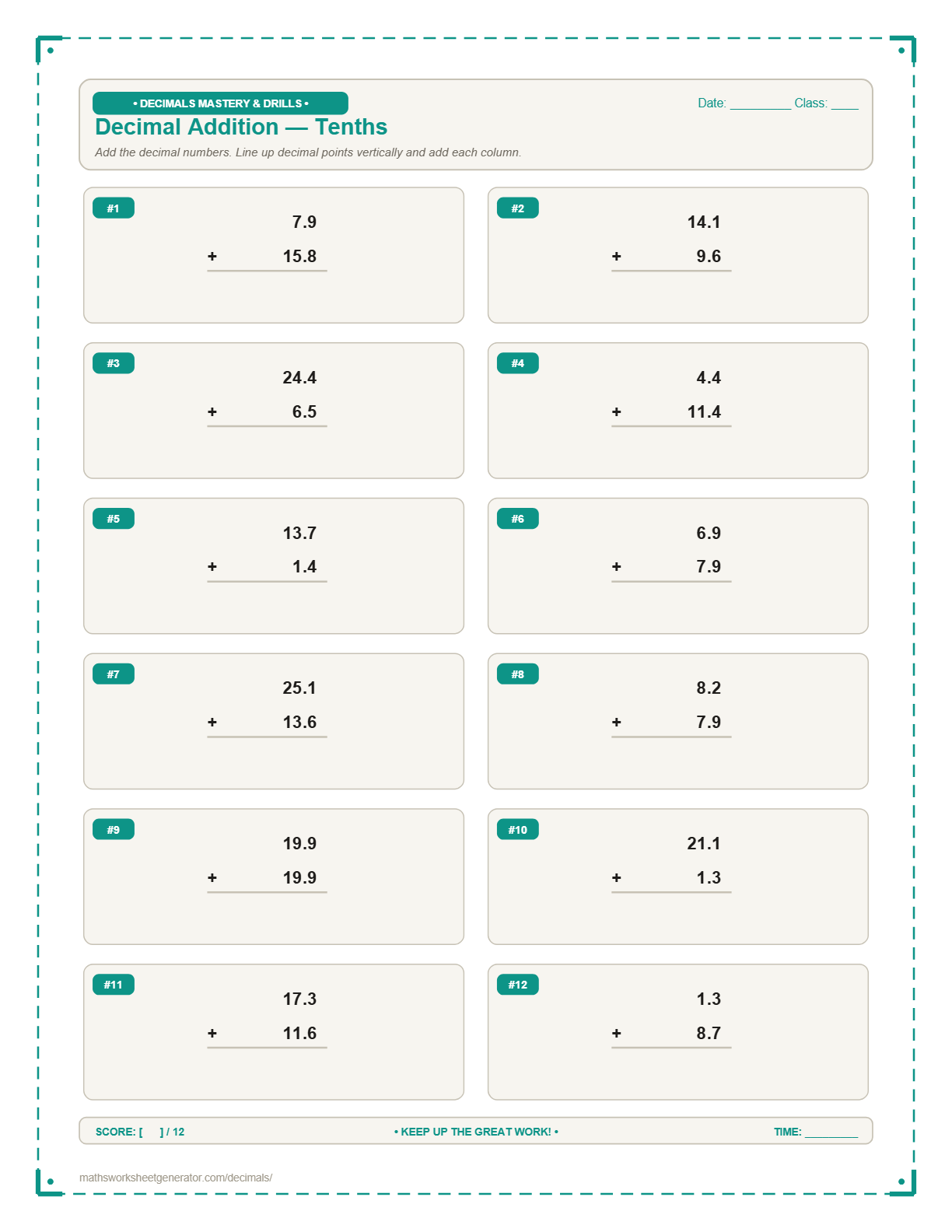 Multiplication$4.99
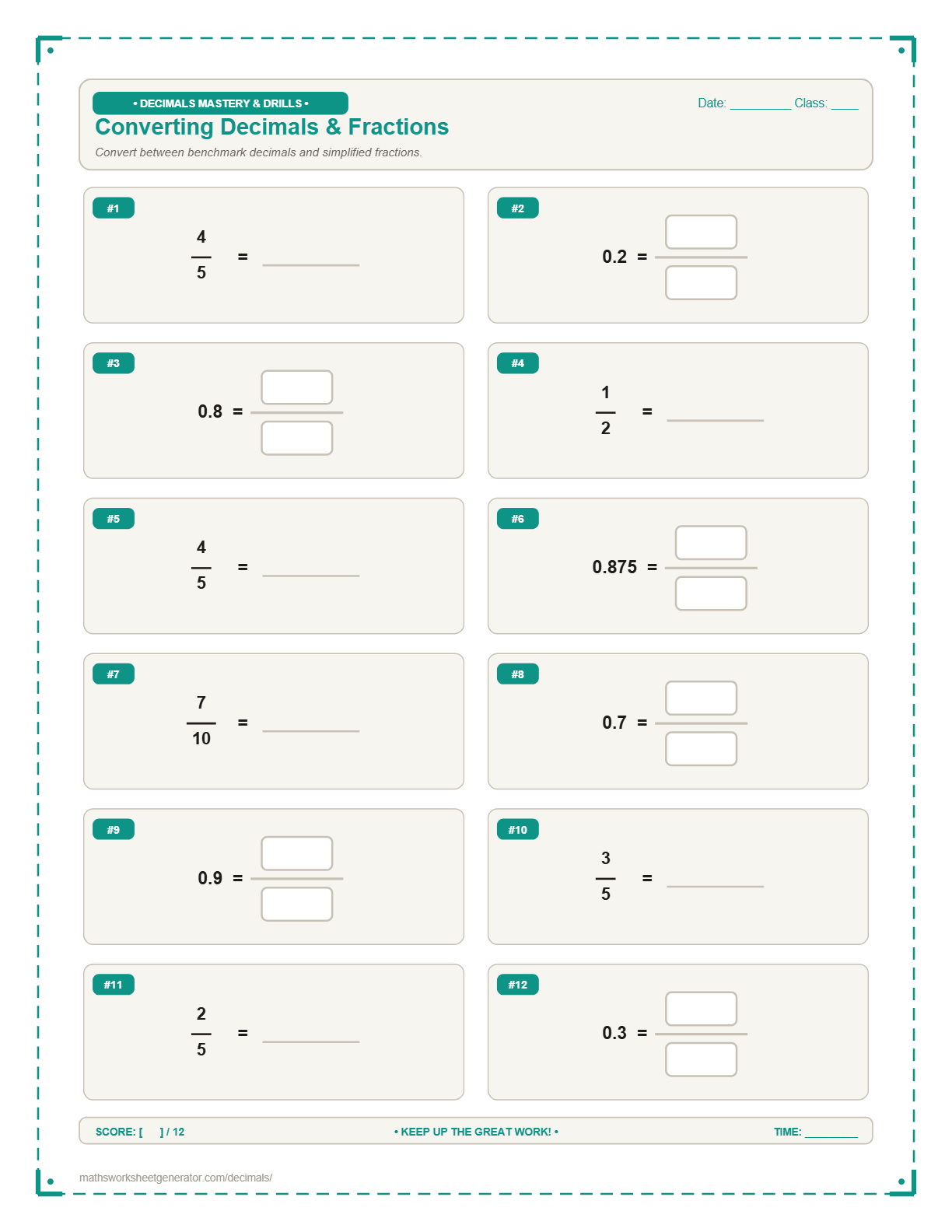 Conversions$4.99
 Verified Solutions$4.99
What should kids practice?
Pick one decimal skill per worksheet — keeps the page focused, just like a school drill sheet.
Tenths or hundredths?
Each number can use its own decimal precision — handy for mixed practice (e.g. one number in tenths, the other in hundredths).
Set the difficulty
Choose a whole-number range and a decimal range for each number in the problem.
Please check your ranges — each minimum must be less than or equal to its maximum.
Problems per page
The grid, spacing, and font size re-adjust automatically so the sheet always looks clean and properly margined.
Header info & sheets
This prints at the top of every page, with blank Name and Date lines for the student to fill in by hand.
Each worksheet is generated fresh in your browser — nothing is uploaded anywhere. The PPTX is fully editable: every number, line, and blank box is a real PowerPoint text box or shape, not a flattened image.
Instant Sheet Preview
Updates automatically as you change options. Toggle answer key or click refresh anytime.
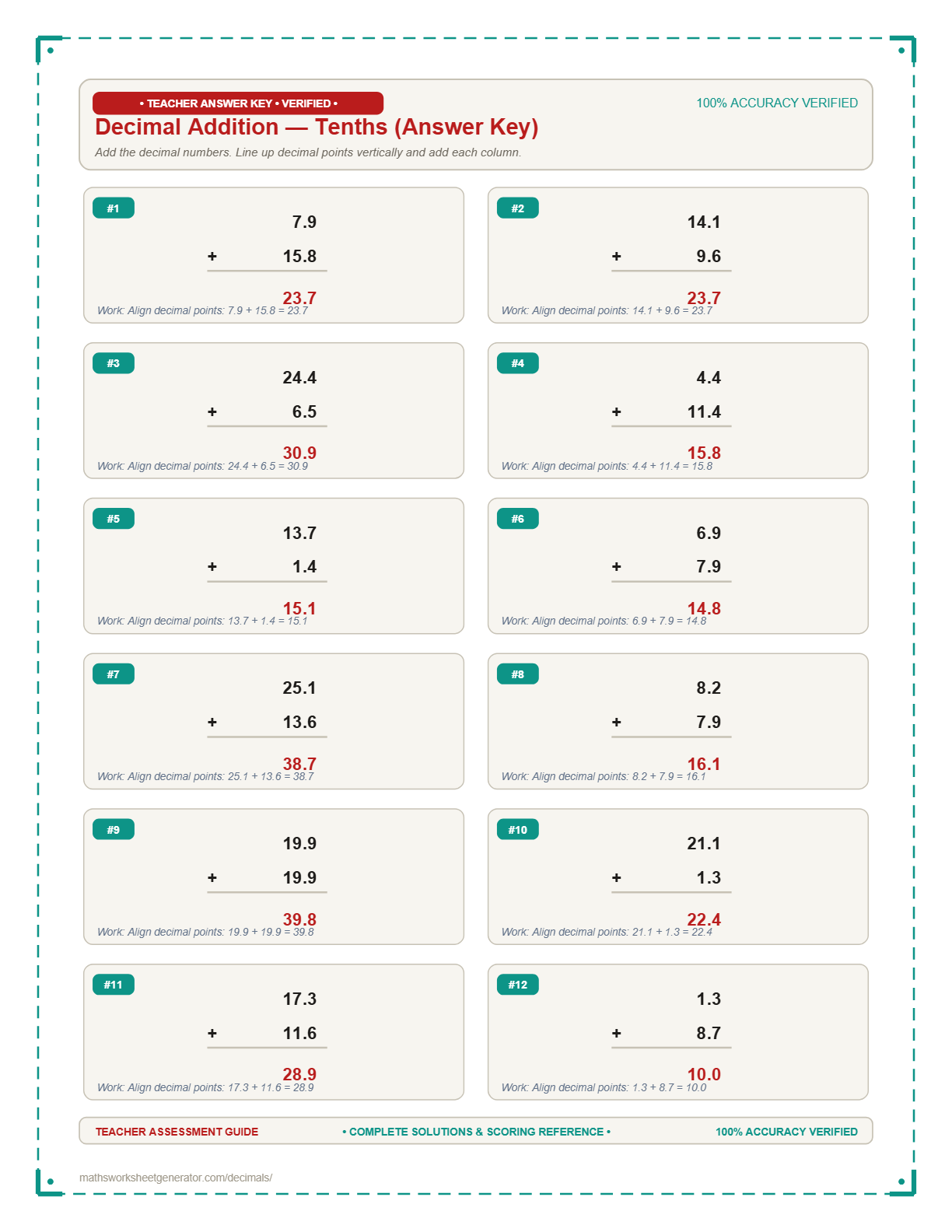
📄 High-DPI Real-time Preview. Your PDF and PowerPoint exports match this layout exactly.
About this worksheet
Subtracting decimals trips students up in exactly the same place addition does — decimal-point alignment — with one extra wrinkle: borrowing across a decimal point.
This worksheet automatically keeps the larger number on top, so every problem is a valid, non-negative subtraction, and the decimal points always align vertically even when one number has more decimal digits than the other.
Teaching tip: Just like with addition, pad the shorter decimal with trailing zeros first (7.5 becomes 7.50 when subtracting 7.5 − 2.34) — it turns the borrowing mechanics into the exact same process as whole-number subtraction.
A decimal worksheet generator built around how decimals are actually taught
This tool covers the decimal skills most commonly practiced in upper elementary and middle school: adding, subtracting, multiplying, and dividing decimals, comparing decimals with <, >, or =, missing addends, where students solve for a hidden number in an equation like 3.4 + ? = 7.8, and ordering decimals, where students arrange a scrambled list of numbers from smallest to largest or largest to smallest. Division problems always use a whole-number divisor, so every answer comes out exact.
Every worksheet lets you set the whole-number range and the decimal-part range separately for each operand, and choose whether the numbers use tenths (one decimal place) or hundredths (two decimal places) — so you can dial the difficulty up or down independently of the operation itself.
Download as a ready-to-print PDF, or as an editable PPTX where every number and line is a real PowerPoint text box or shape. Everything happens in your browser — no account, no upload, nothing saved on our servers.
How the decimals generator works
1. Pick a decimal skill. Addition, subtraction, multiplication, division, comparing decimals, missing addends, or ordering decimals. Missing addends lets you pick addition-only, subtraction-only, or mixed problems; ordering decimals lets you set how many numbers appear (3–8) and whether they're ordered ascending or descending.
2. Choose tenths or hundredths. Every number on the worksheet uses the same decimal precision, so the layout stays clean and consistent.
3. Set the number ranges. Each operand gets its own whole-number range and decimal-part range — for example, a whole part from 1–20 and a decimal part from 0–9.
4. Generate and download. Choose problems per page, add an optional answer key, then download as PDF or PPTX.
Frequently asked questions
What decimal operations can I practice here?
Seven types: adding, subtracting, multiplying, and dividing decimals, comparing decimals (using <, >, or =), missing addends, where the student solves for a hidden number in an equation like 3.4 + ? = 7.8, and ordering decimals, where students arrange a scrambled list of numbers from smallest to largest or largest to smallest.
Does decimal division always come out exact?
Yes. The divisor is always a whole number, so every division problem is generated to divide exactly — there are never repeating or rounded decimals in the answer key.
Can I choose how many numbers appear in an ordering problem?
Yes. Choose anywhere from 3 to 8 numbers per problem, and whether they should be ordered ascending (smallest first) or descending (largest first). You can also set the decimal precision to a single digit, two digits, or a mix of both within the same problem.
Can I choose tenths or hundredths?
Yes. Pick tenths (one decimal place, e.g. 4.7) or hundredths (two decimal places, e.g. 4.72) before generating a worksheet.
Can I download the worksheet as PowerPoint instead of PDF?
Yes. Every number, line, and blank box is a real editable PowerPoint text box or shape rather than a flattened image, so you can rearrange or resize it in PowerPoint, Google Slides, or Keynote.
Does this replace the main Maths Worksheet Generator?
No — this is a separate tool focused specifically on decimals. The main generator at mathsworksheetgenerator.com covers whole-number addition, subtraction, multiplication, and division.
Can I also generate Fraction worksheets?
Yes! Fractions are available right now on our dedicated Fraction Worksheet Generator page, covering fraction addition, subtraction, multiplication, division, simplifying, mixed numbers, comparing, and ordering.