Elapsed Time Worksheets & Practice
Practice finding elapsed time, start times, and end times across hours and minutes.
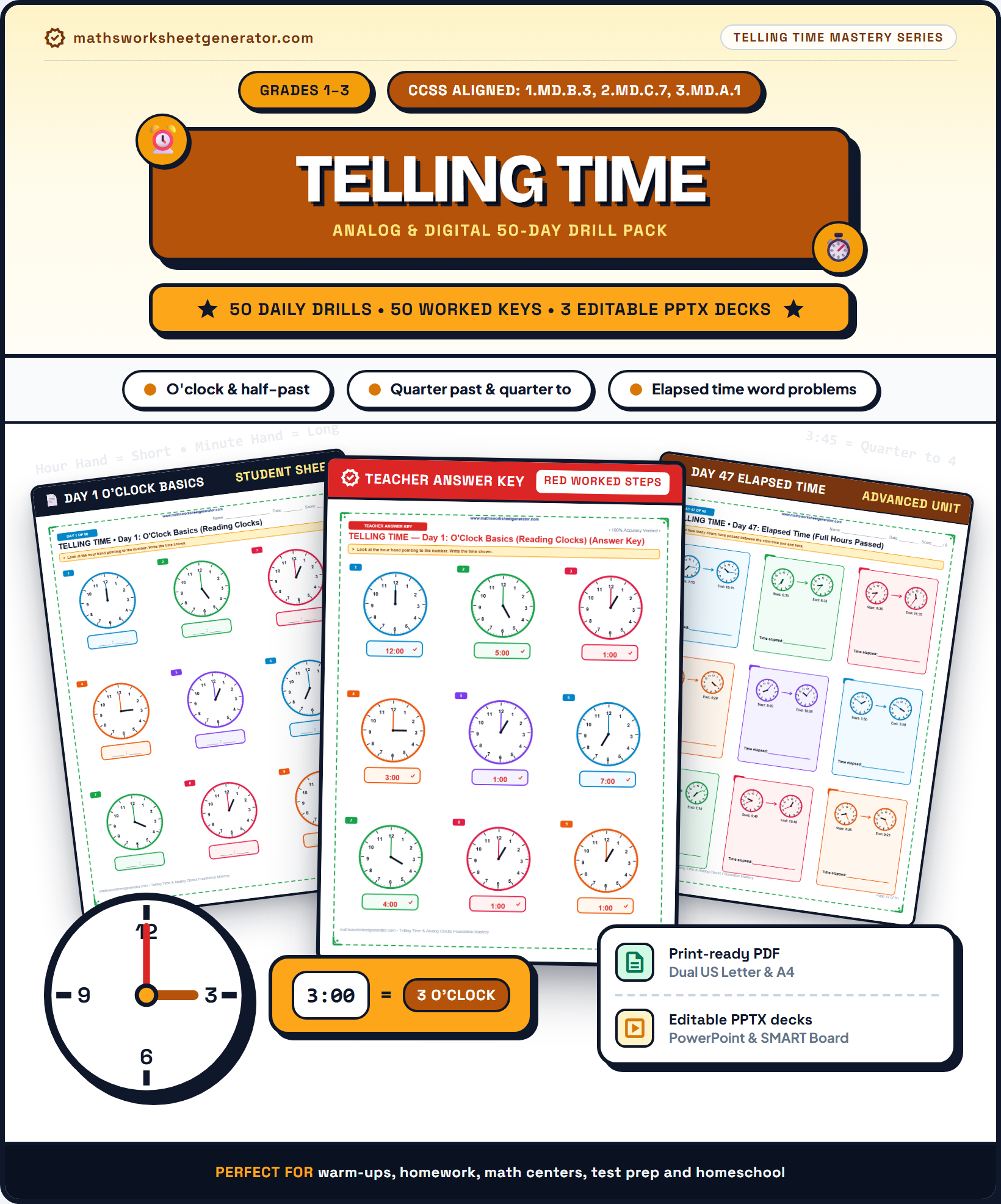 Cover$4.99
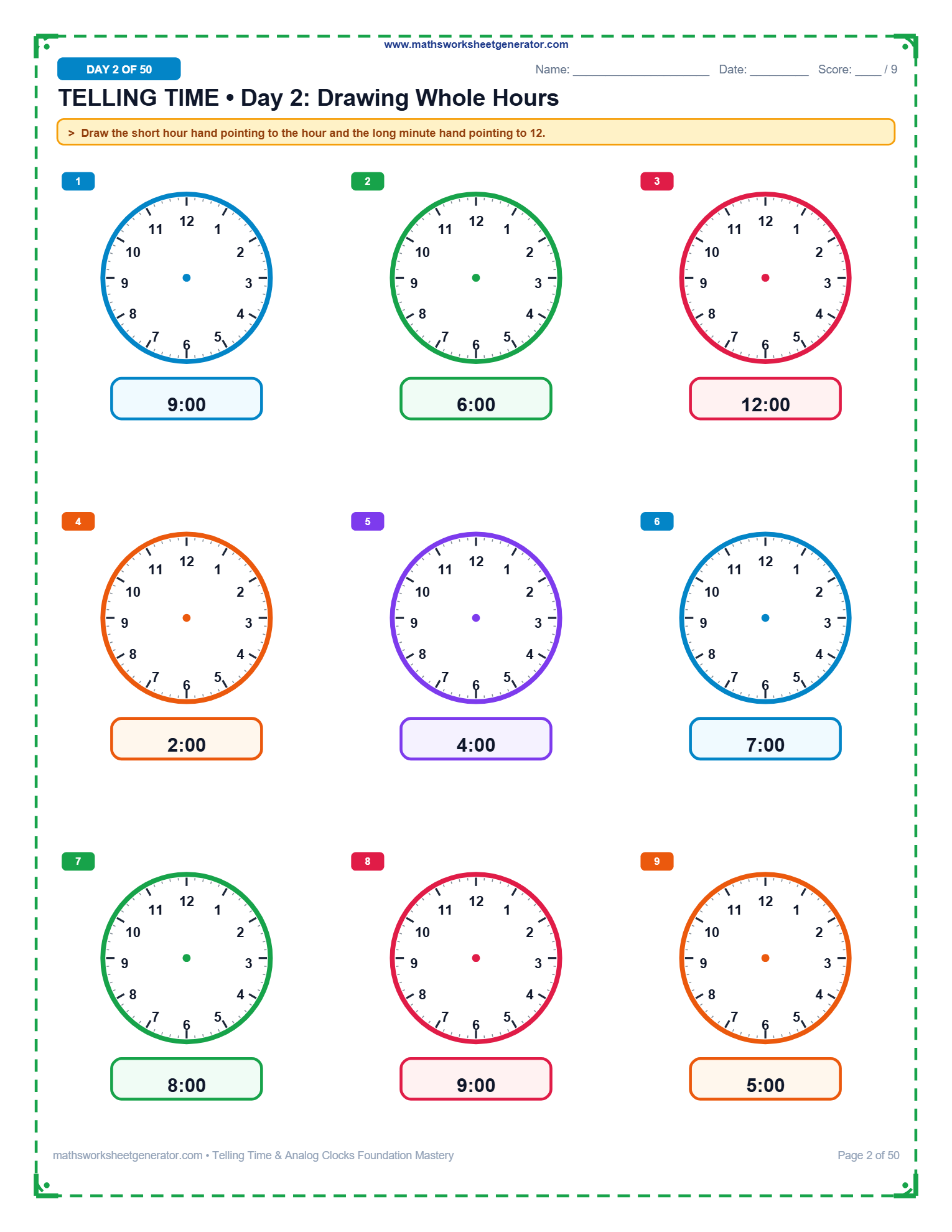 Worksheet$4.99
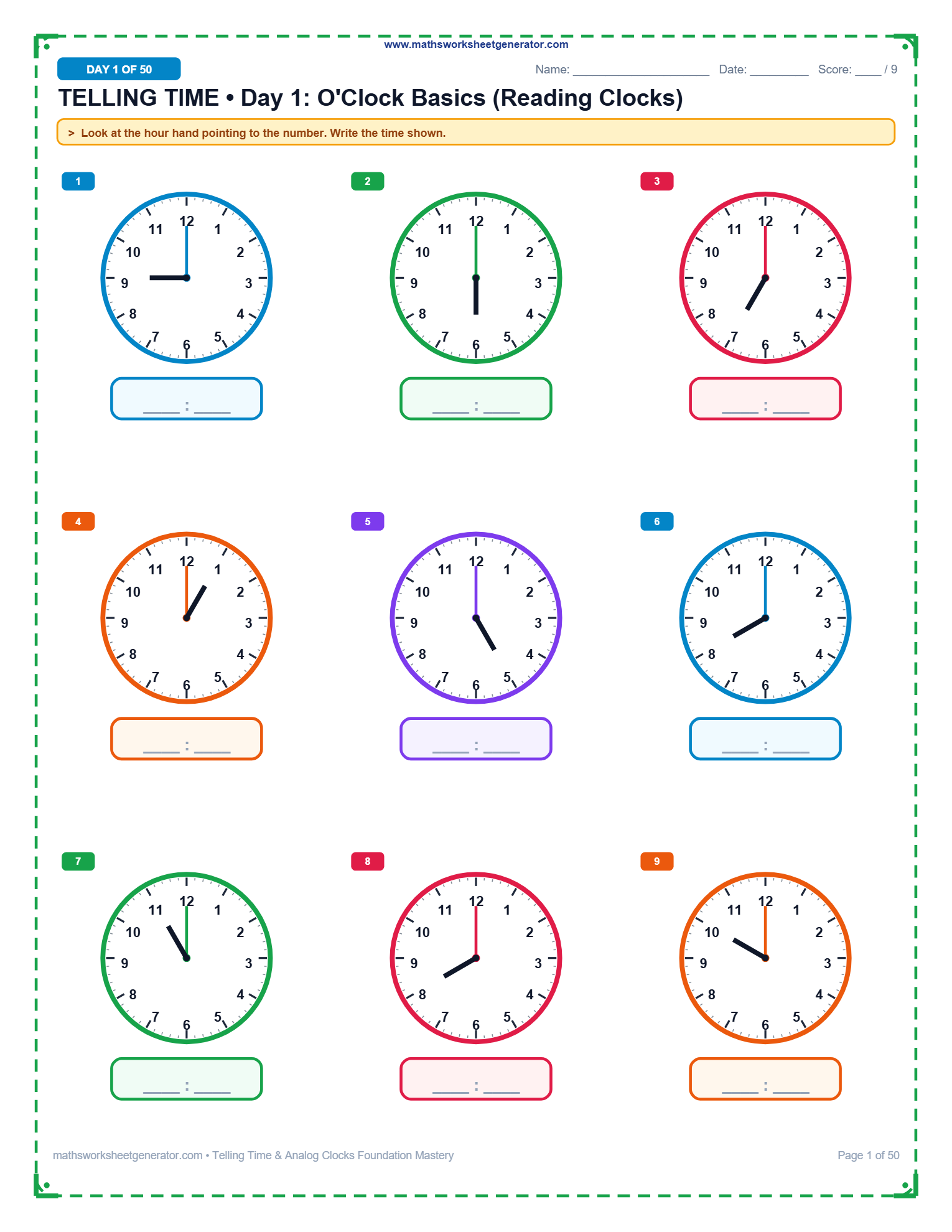 Practice$4.99
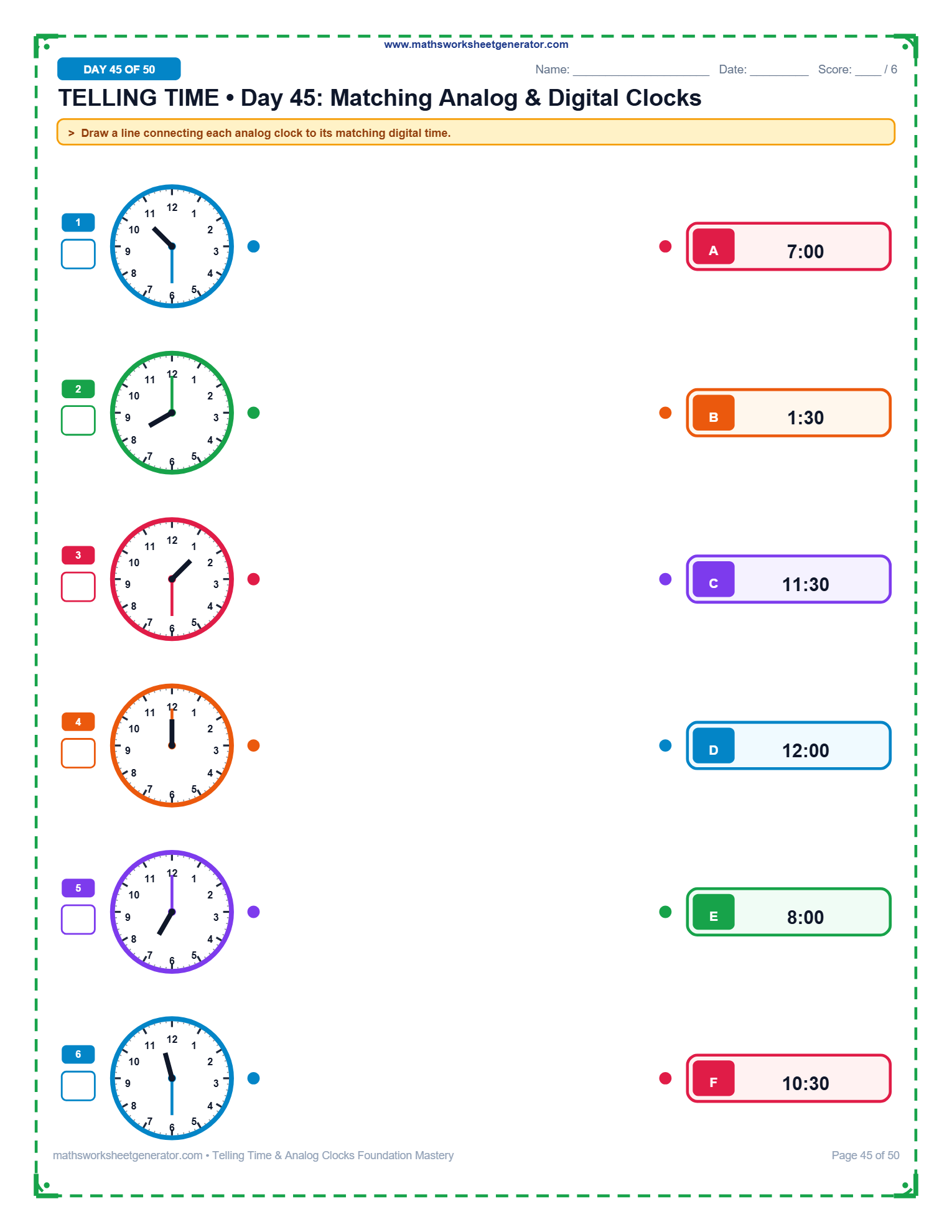 Activity$4.99
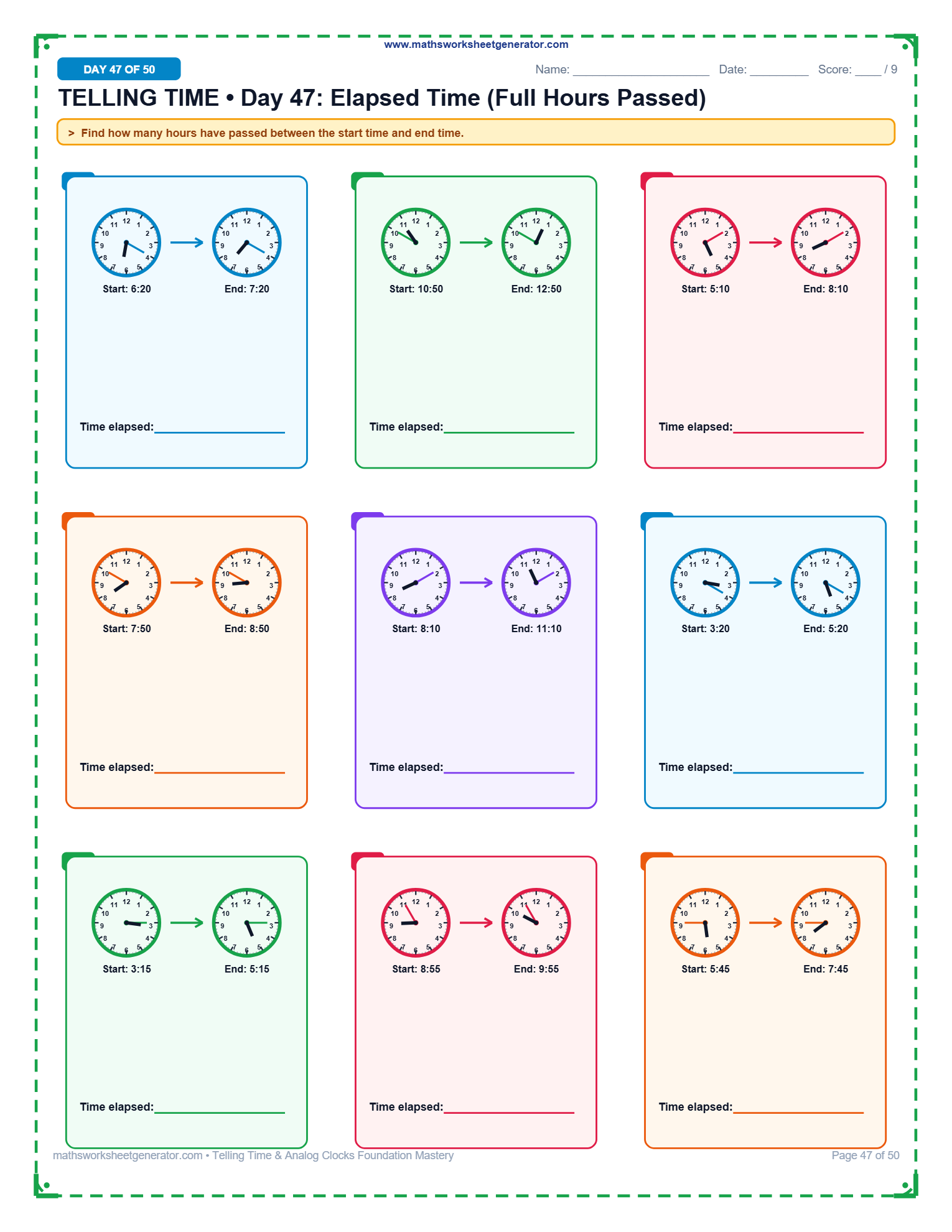 Problem Solving$4.99
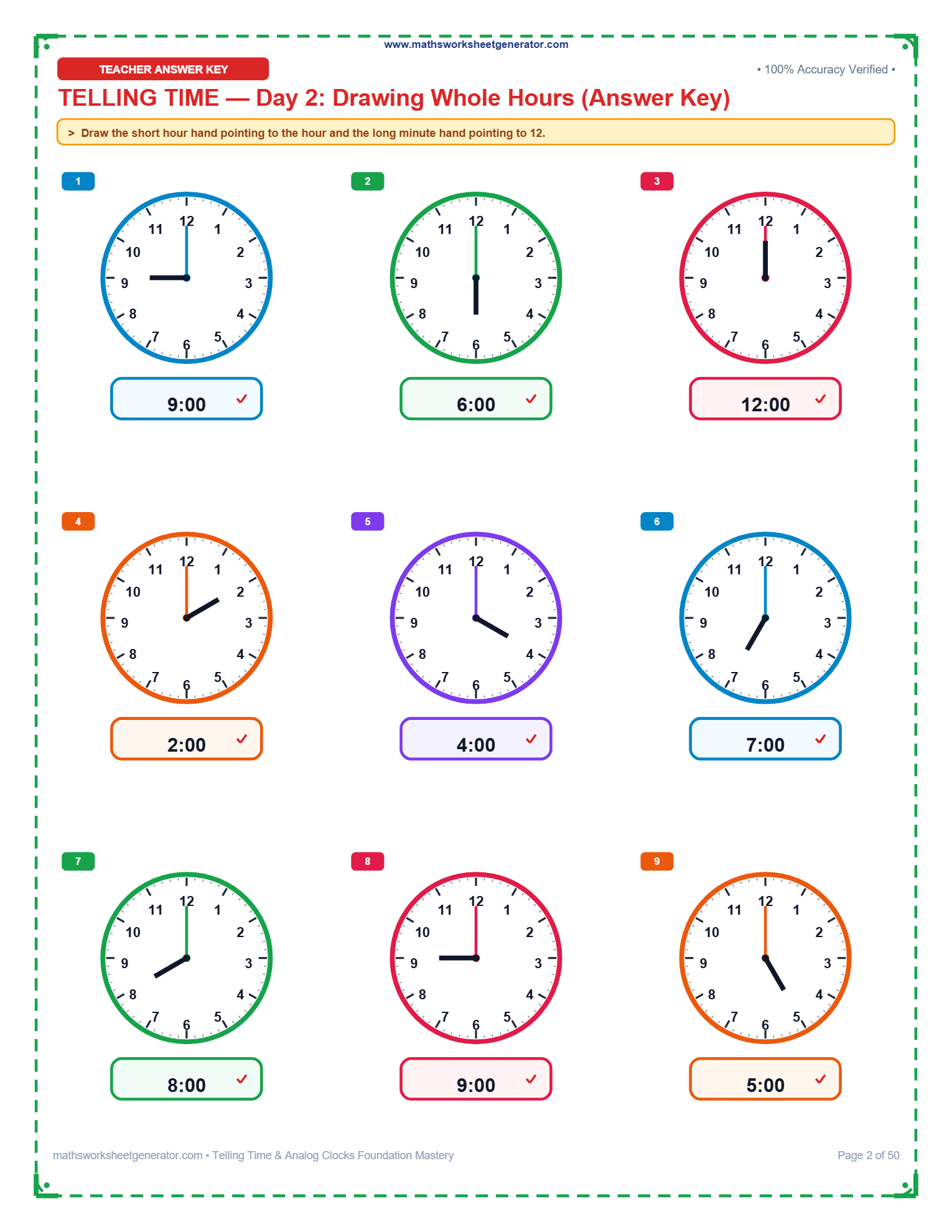 Solution$4.99
What should students practice?
Select analog clock reading, hand drawing, elapsed time, or unit conversions.
Set clock interval difficulty
Choose the interval precision for analog clocks and time problems.
Problems per page
Grid spacing auto-adjusts so analog clocks and time tables render clearly.
Title & Page Options
Generated fresh in your browser. PDF vector rendering ensures sharp clock face printing.
Instant Sheet Preview
📄 Real-time High-DPI Preview.
About this worksheet
Elapsed time problems measure duration between start times and end times — a vital real-world math skill for schedules and daily planning.
Teaching tip: Use a linear timeline or 'mountains, hills, and rocks' method (hours = mountains, 10-mins = hills, 1-min = rocks) to calculate duration.
A Telling Time & Elapsed Time Worksheet Generator built for elementary educators
Teaching students how to read analog clocks and calculate time intervals is a fundamental life skill taught across early elementary grades. This free online worksheet generator lets teachers, homeschooling parents, and tutors create custom, print-ready math worksheets for reading analog clock faces, drawing clock hands, calculating elapsed time, and converting time units (hours, minutes, seconds, and 12-hour/24-hour military time).
Unlike static PDFs, every clock face is dynamically generated as high-DPI vector graphics featuring 60 precise minute tick marks (1-minute handle bars) and 12 hour picture dots. You can easily adjust interval precision from whole hours (e.g. 3:00) down to half-hours (:30), quarter-hours (:15 & :45), 5-minute steps, or exact 1-minute precision.
Download your custom worksheets instantly as a high-resolution PDF or as an editable PowerPoint (.pptx) presentation where every clock face, vector line, and text label is a native editable element.
Telling time skills by grade level & topic
Telling Time to the Hour Worksheets
Help young learners master telling time to the exact hour (e.g. 1:00, 2:00, 3:00) with clear analog clock faces.
Half-HourTelling Time to the Half-Hour Worksheets
Practice reading analog clock faces displaying times on the hour and half-hour (:00 and :30).
Quarter HoursTelling Time to Quarter Hours Worksheets
Practice reading analog clocks set to quarter hours (:15, :30, and :45).
5-Minute IntervalsTelling Time to 5 Minutes Worksheets
Master telling time to the nearest 5-minute mark (e.g. 4:05, 7:20, 11:55).
Exact MinutesTelling Time to the Minute Worksheets
Challenging analog clock reading practice to the exact single-minute mark.
Match Whole HoursMatching Clocks to Whole Hours Worksheets
Practice drawing lines to match analog clock faces to their corresponding digital times for exact hours.
Match Half HoursMatching Clocks to the Half-Hour Worksheets
Match analog clock faces displaying whole and half hours to their digital time badges.
Match Quarter HoursMatching Clocks to Quarter Hours Worksheets
Connect analog clocks displaying quarter hours to the correct digital times.
Match 5 MinutesMatching Clocks to 5 Minutes Worksheets
Practice matching analog clocks showing 5-minute intervals to scrambled digital times.
Drawing HandsDrawing Clock Hands Worksheets
Students look at the digital time provided below each blank clock and draw the hour and minute hands accurately.
Elapsed TimeElapsed Time Worksheets
Practice finding elapsed time, start times, and end times across hours and minutes.
Time ConversionsTime Conversion Worksheets (Hours, Mins, Secs, 24-Hr)
Practice converting between units of time: hours to minutes, minutes to seconds, and 12-hour to 24-hour notation.
Browse Telling Time Worksheets by Grade:
How the telling time generator works
1. Choose your learning mode. Select between Reading Analog Clocks (digital time line below), Drawing Clock Hands (blank clock face with digital time provided), Elapsed Time Word Problems, or Time Unit Conversions.
2. Select clock precision level. Choose from Whole Hours (:00), Half Hours (:30), Quarter Hours (:15 & :45), 5-Minute Intervals, or Exact 1-Minute Precision.
3. Customize layout & page options. Select problem count (6, 12, or 20), page size (A4, US Letter, Pinterest Pin), custom header title, and whether to append an answer key.
4. Generate & download. Click 'Generate & Download PDF' for instant crisp printing or 'Download as PPTX' to customize directly in PowerPoint or Google Slides.
Frequently asked questions
How do I create a telling time worksheet for analog clocks?
Select your desired learning mode (Read Clocks or Draw Hands), choose the interval precision (whole hours, half-hours, quarter-hours, 5 minutes, or exact minute), and click 'Generate & Download PDF'.
Can I generate blank clock faces for students to draw hands?
Yes! Select the 'Draw Hands' mode. The generator will render blank analog clock faces with digital times written underneath.
Does the worksheet generator offer a live preview?
Yes! Every option you change updates instantly in the high-DPI live preview right inside your browser. You can toggle answer keys, refresh problem sets, and inspect the exact layout before downloading.
Are the exported PowerPoint slides editable?
Yes. In the PowerPoint (PPTX) download, all clock shapes, numbers, tick marks, and text boxes are 100% native vector elements that can be rearranged or resized.
Does the generator include elapsed time word problems?
Yes. Choose the 'Elapsed Time' mode to generate start time, end time, and duration calculation problems across hours and minutes.