Rounding to the Nearest 100 Worksheets
Master rounding 3-digit and 4-digit numbers to the nearest hundred with customizable number ranges and clear layouts.
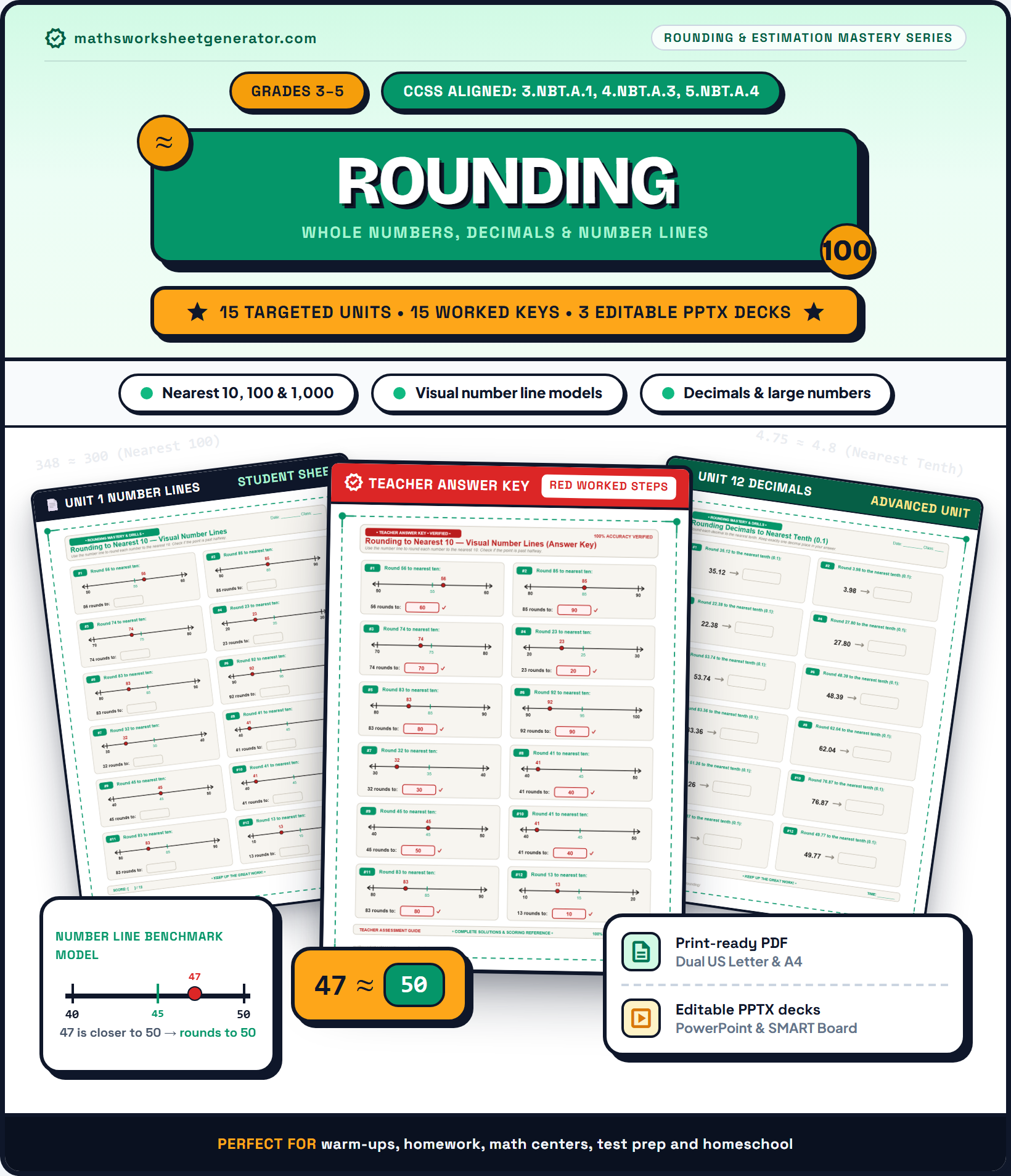 Binder Cover$4.99
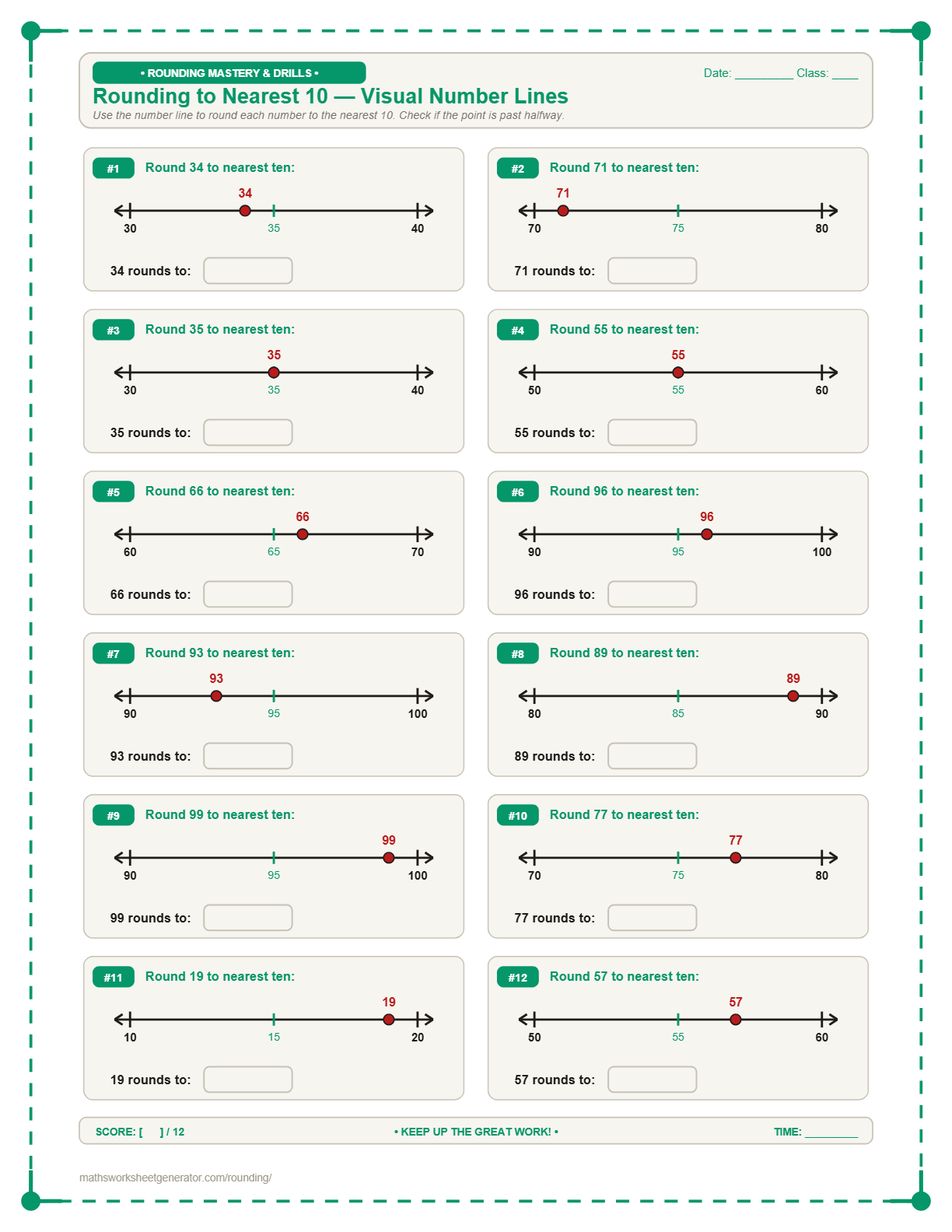
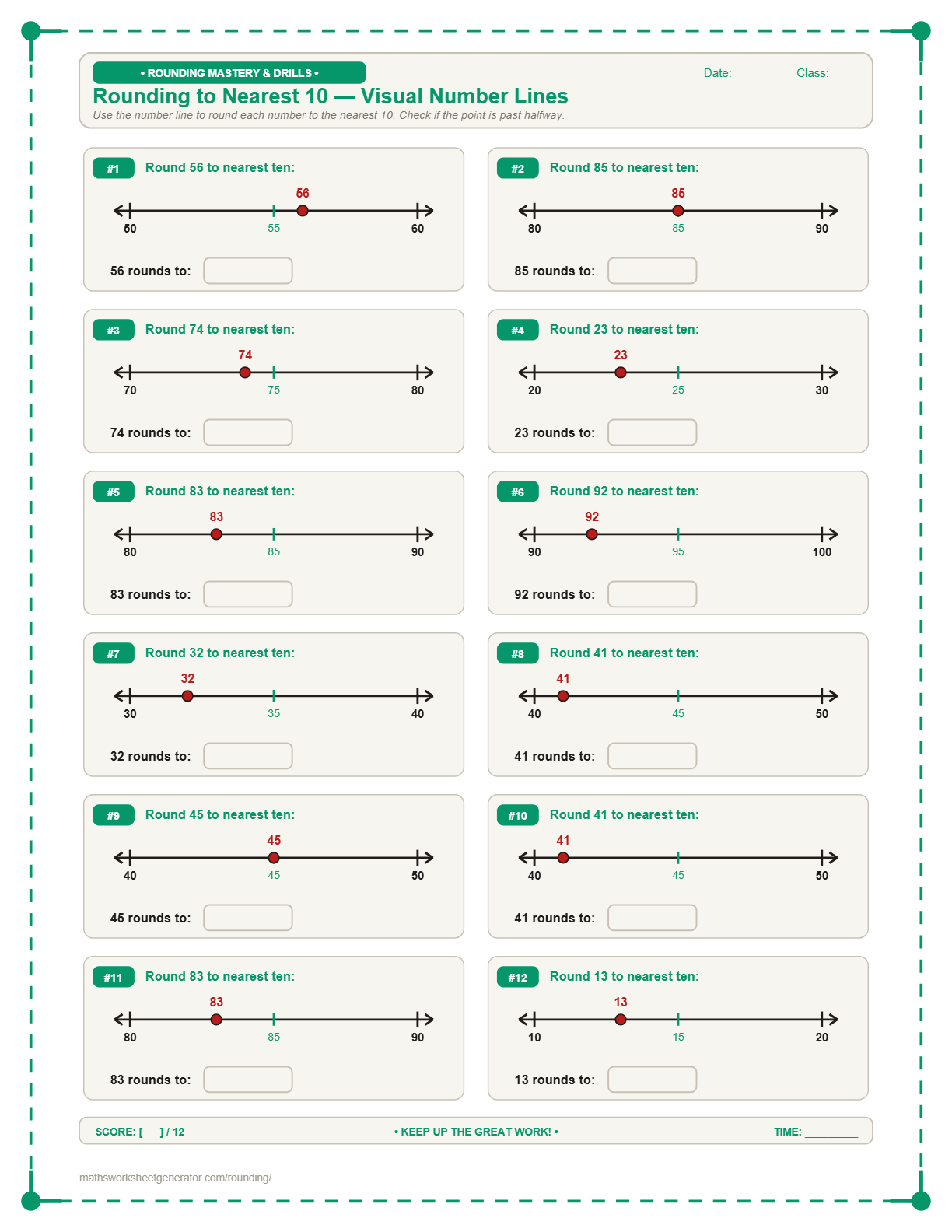 Visual Models$4.99
 Rollover Drills$4.99
 Place Value Table$4.99
 Verified Solutions$4.99
What type of rounding exercise?
Select standard drills, visual number lines, multi-place chart tables, or decimals.
Target Place Value
Choose which digit to round to.
Custom Number Ranges
Applies to all modes, including visual number lines and charts.
Problems per page
Title & Page Options
Generated fresh in your browser. Vector rendering ensures crisp printing.
Instant Sheet Preview
📄 Real-time High-DPI Preview.
About this worksheet
Rounding to the nearest 100 expands estimation skills into 3-digit numbers. Students examine the tens digit to decide whether to round down or up.
Teaching tip: Underline the hundreds place and circle the tens place to keep student focus on the decision-making digit.
A Rounding Numbers Worksheet Generator built for elementary educators
Rounding numbers is a fundamental math skill taught across elementary and middle school grades (Grades 2–6). This free online generator allows teachers, homeschooling parents, and tutors to create custom, print-ready math worksheets for rounding to the nearest 10, 100, 1,000, 10,000, 100,000, or million, as well as rounding decimals to whole numbers, tenths, or hundredths.
Unlike static PDFs, every worksheet is generated dynamically with customizable number ranges (minimum and maximum bounds), optional target place value digit underlining, visual vector number lines, and multi-place value chart tables.
Download your custom worksheets instantly as high-resolution PDFs or as editable PowerPoint (.pptx) presentations where every number line, vector shape, and text box is a native editable element.
Rounding skills & pre-configured worksheet presets
Rounding to the Nearest 10 Worksheets | Free Printable PDF
Practice rounding 2-digit and 3-digit numbers to the nearest ten using visual number lines or standard vertical drills.
Nearest 100Rounding to the Nearest 100 Worksheets | Free Printable PDF
Master rounding 3-digit and 4-digit numbers to the nearest hundred with customizable number ranges and clear layouts.
Nearest 1,000Rounding to Nearest 1,000 Worksheets | Free Generator
Practice rounding 4-digit and 5-digit numbers to the nearest thousand with visual number lines or fill-in charts.
Large NumbersRounding Large Numbers Worksheets | 10k, 100k & Millions
Round 5-digit, 6-digit, and 7-digit numbers to the nearest 10,000, 100,000, or 1,000,000.
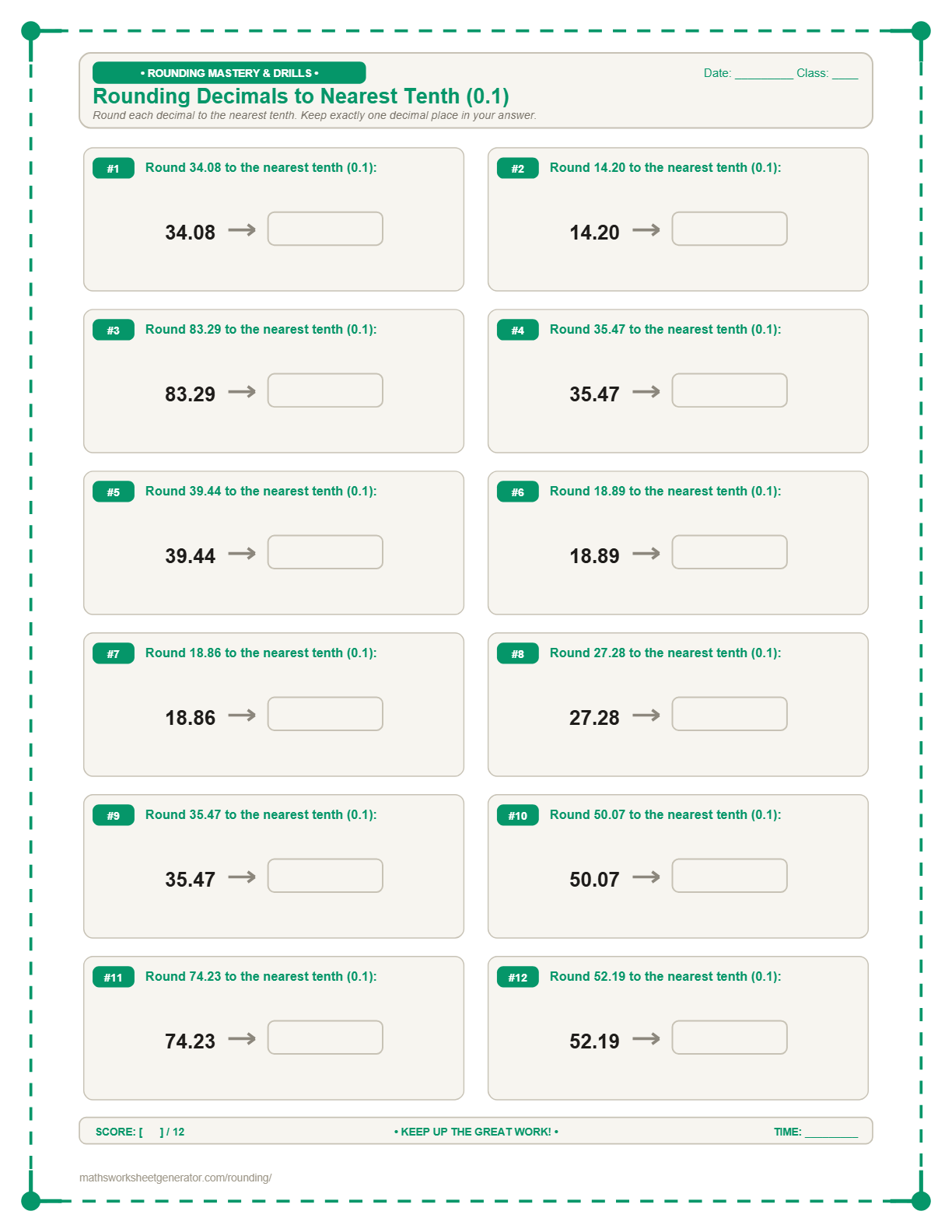
Rounding DecimalsRounding Decimals Worksheets | Tenths & Hundredths
Practice rounding decimal numbers to the nearest whole number, tenth, or hundredth.
Number Line RoundingRounding on a Number Line Worksheets | Visual Practice
Build conceptual rounding skills by placing numbers on a visual number line and identifying the closest benchmark number.
How the rounding generator works
1. Choose your learning mode. Select between Standard Drills, Visual Number Lines, Multi-Place Value Chart Tables, Multiple Choice, or Decimal Rounding.
2. Select target place value. Choose Nearest 10, 100, 1,000, 10,000, 100,000, Million, Whole Number, Tenth, or Hundredth.
3. Customize number bounds. Set custom minimum and maximum number limits and toggle target digit underlining.
4. Generate & download. Click 'Generate & Download PDF' for instant printing or 'Download as PPTX' to customize in PowerPoint.
Frequently asked questions
How do I generate a rounding worksheet for nearest 10 or 100?
Select 'Nearest 10' or 'Nearest 100' under Target Place Value, set your desired number range (e.g. 10 to 999), and click 'Generate & Download PDF'.
Can I generate visual number line rounding worksheets?
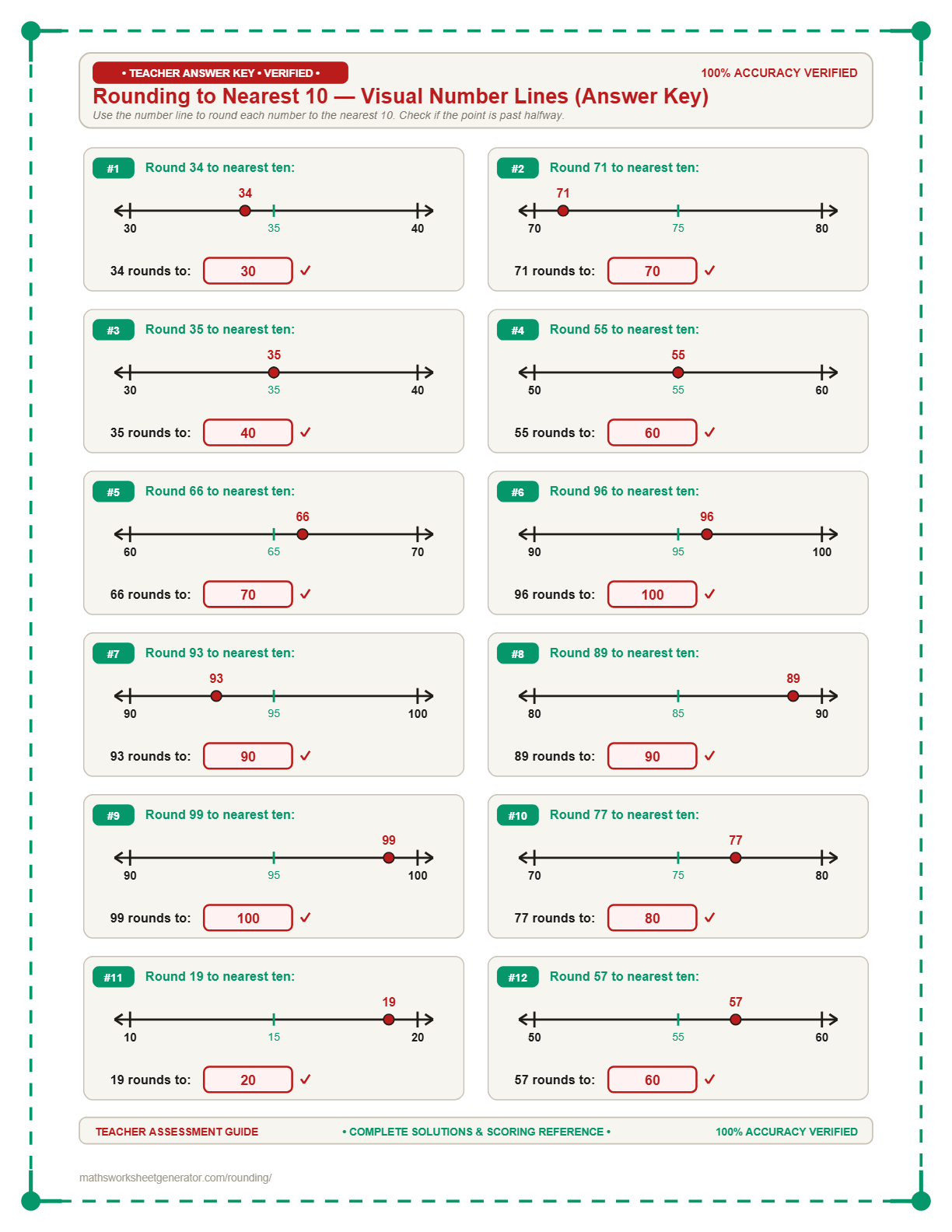
Yes! Select the 'Number Line' mode. The generator will plot random numbers on vector number lines with benchmark endpoints and midpoint labels.
How does the target digit underlining option work?
Checking 'Underline Target Place Value Digit' automatically underlines the target digit (e.g. 4,738) to assist students learning place value rules.
Are PowerPoint (.pptx) exports fully editable?
Yes. All exported PowerPoint slides contain native editable text boxes, vector shapes, and line objects.
Are answer keys included?
Yes. Set 'Include Answer Key' to 'Yes' to append step-by-step answer key pages at the end of your generated document.