Times Tables Worksheets — Free Printable Multiplication Generator
Generate free printable multiplication times tables worksheets for 1 to 12. Great for drilling math facts. Custom problems per page, instant PDF.
Grade levels: Grade 3 · Grade 4
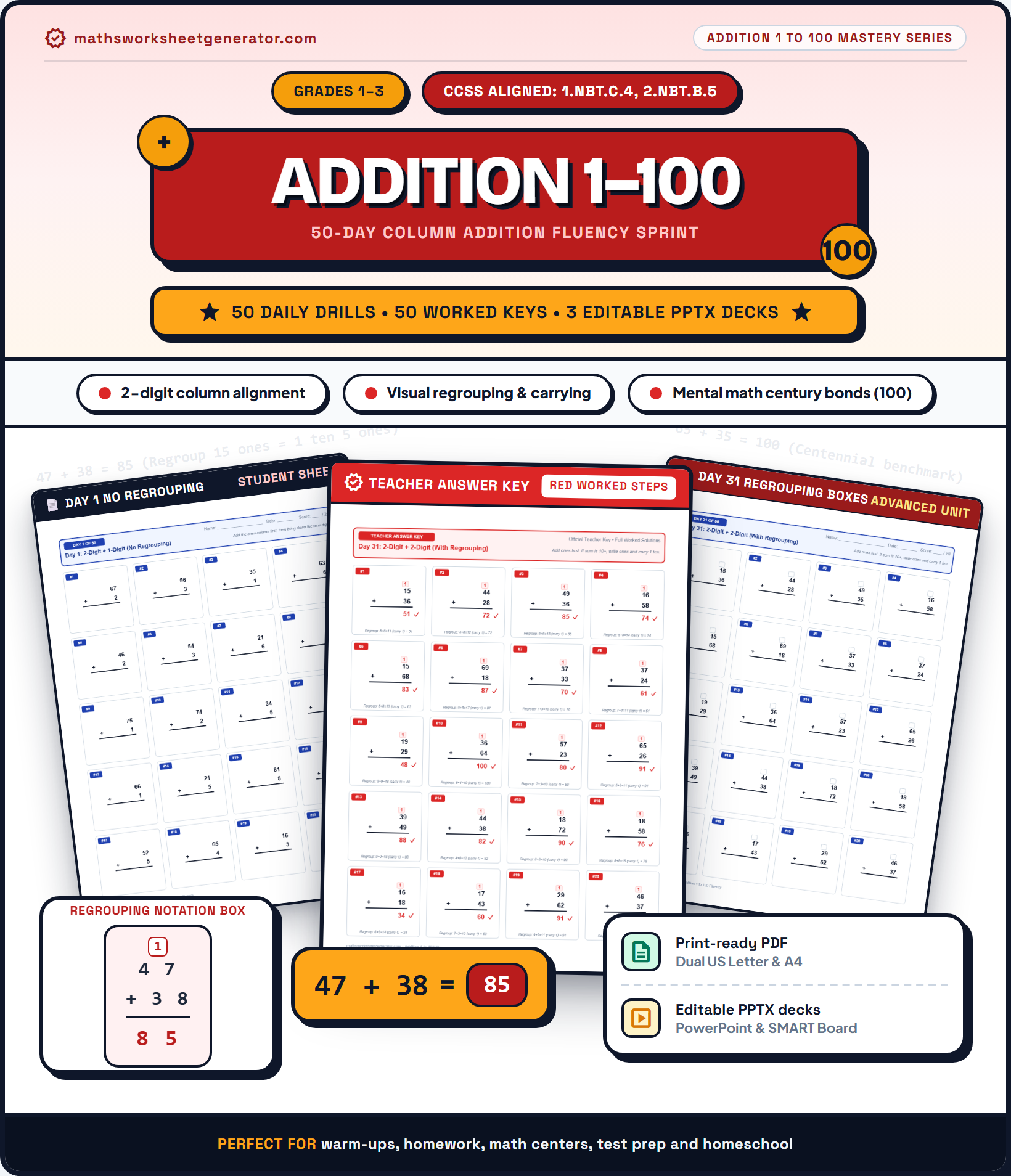 300 DPI High-Res$5.00
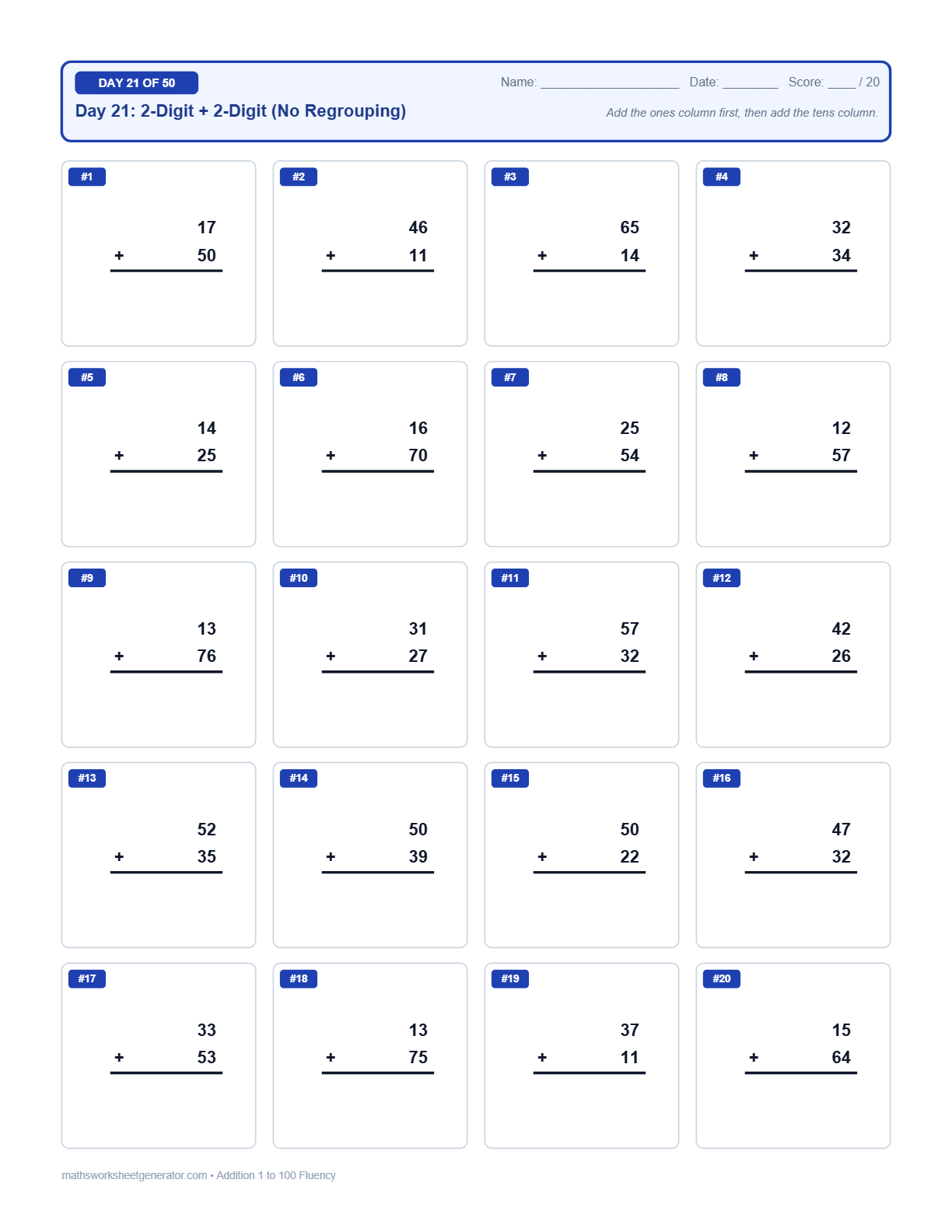 Clean Column Alignment$5.00
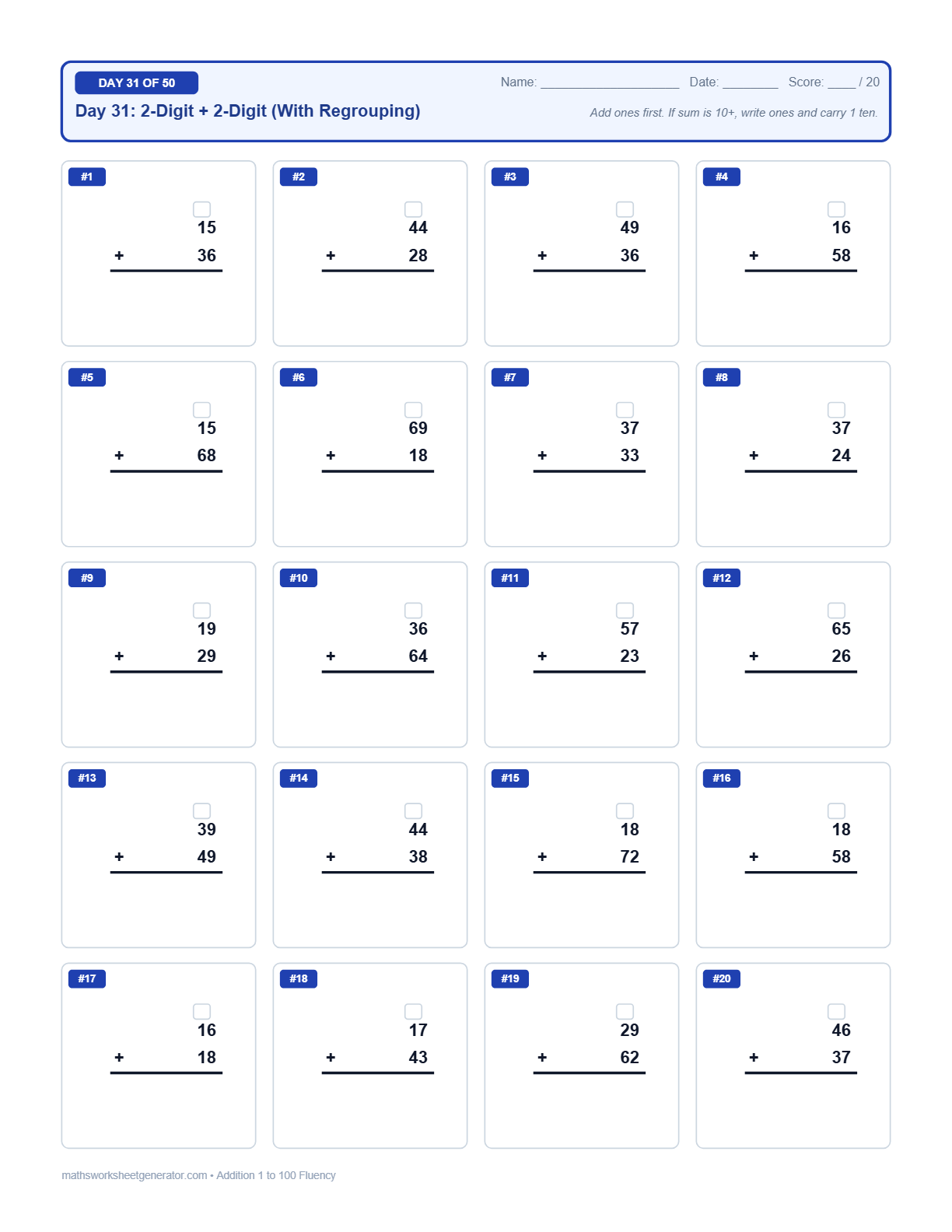 Visual Carrying Scaffold$5.00
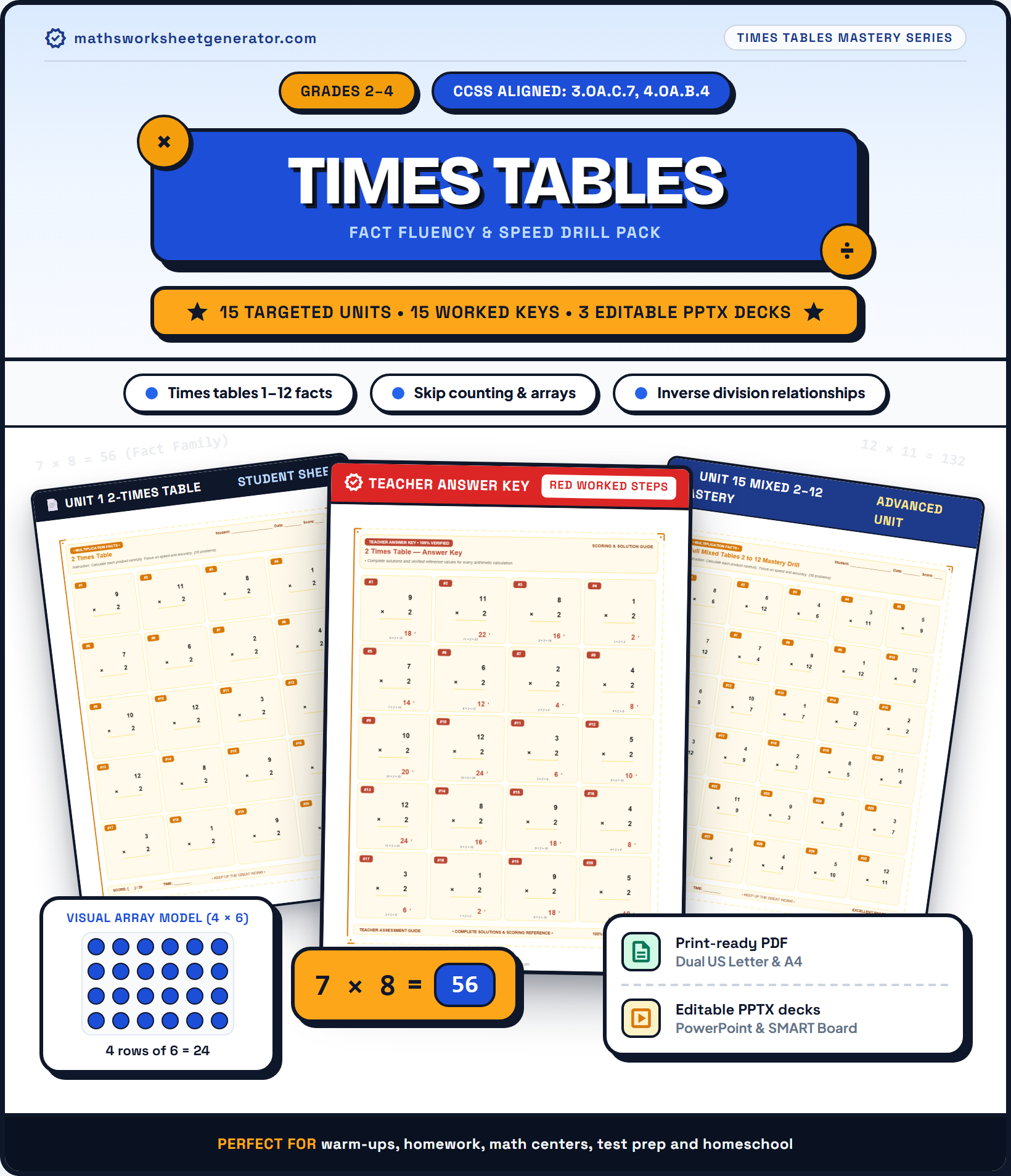 Illustrated Cover$5.00
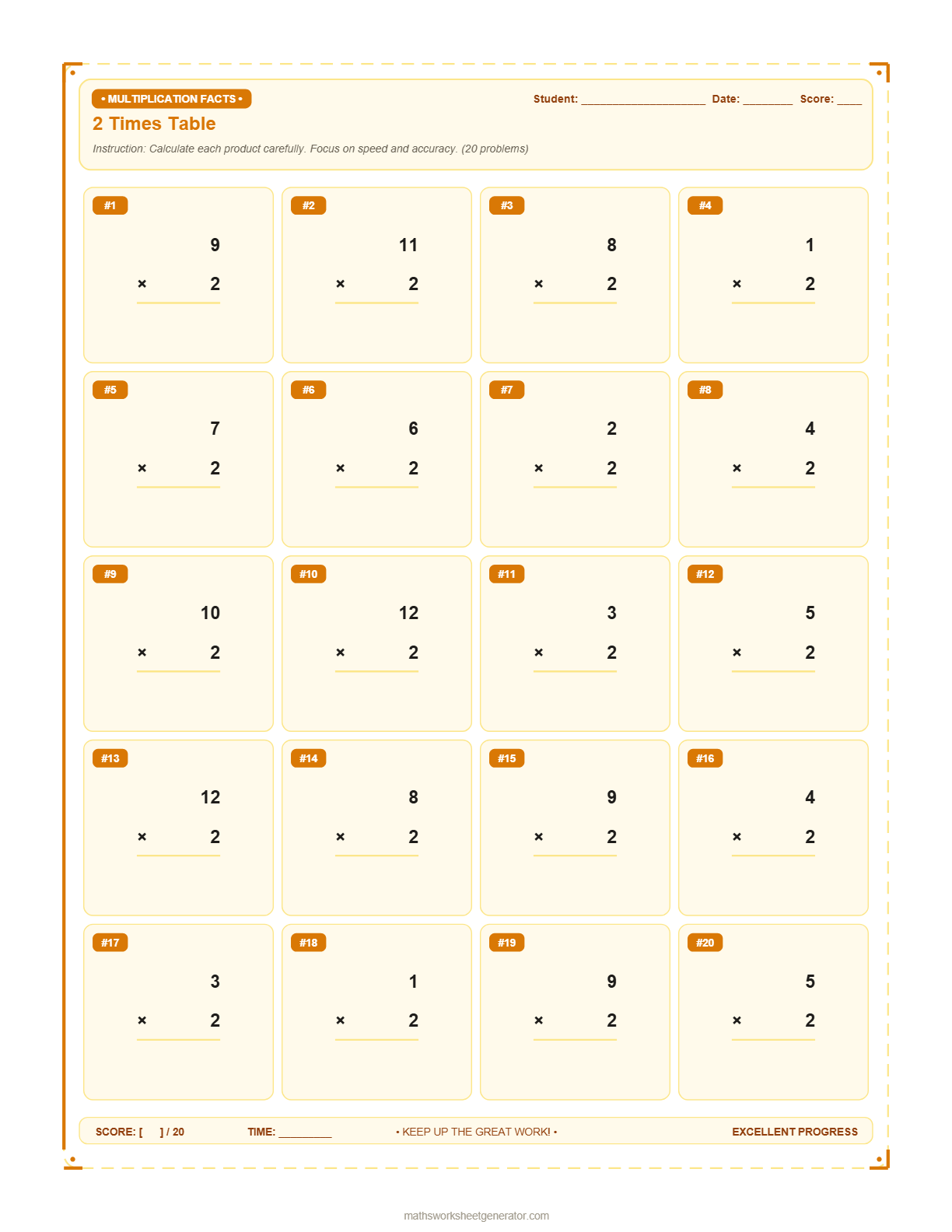 Fact Families$5.00
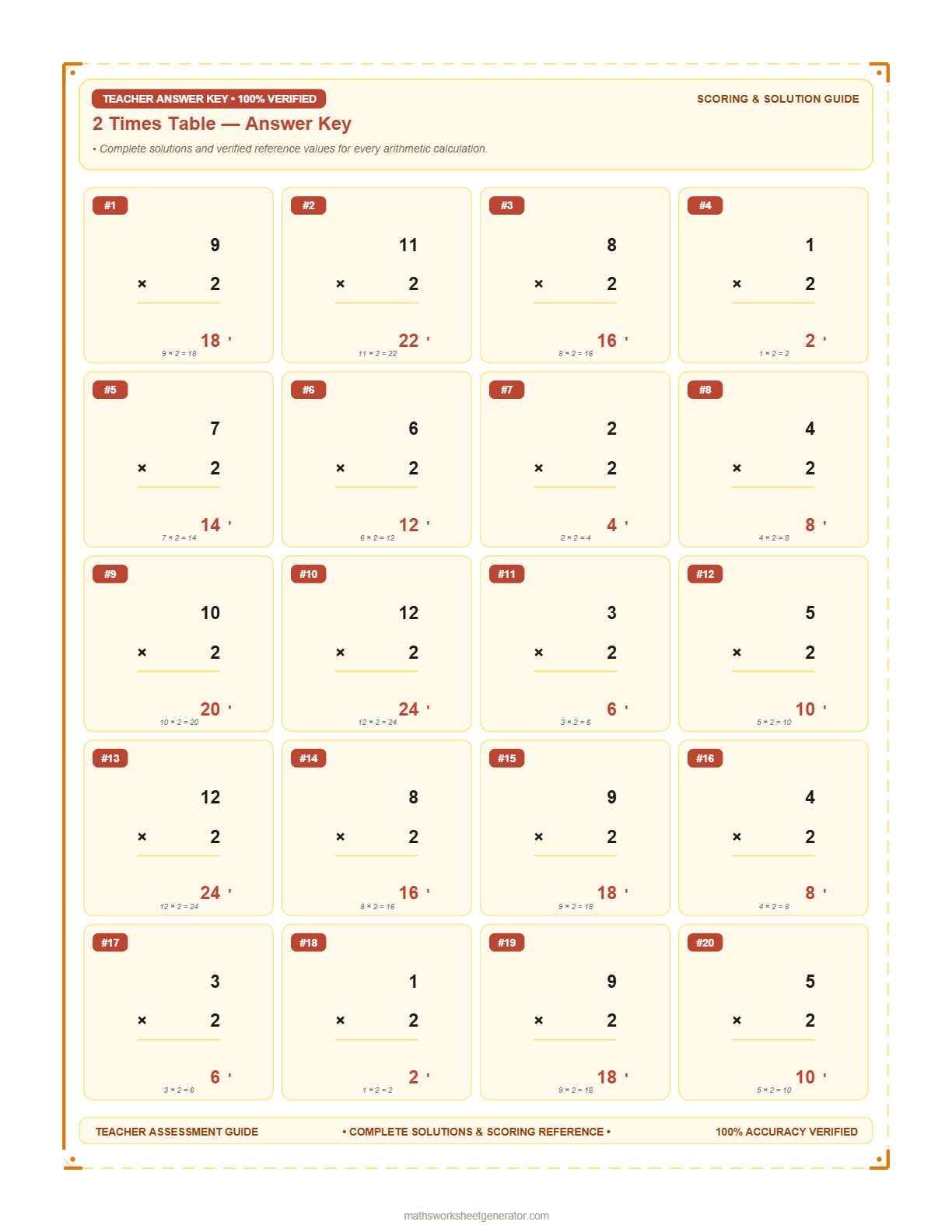 Fast Grading$5.00
What should kids practice?
Pick one operation per worksheet — keeps the page focused, just like a school drill sheet.
Set the difficulty
Choose the low–high range each number in a problem can come from. The generator keeps subtraction and division answers whole and non‑negative automatically.
Please check your ranges — minimum must be less than or equal to maximum.
Problems per page
The grid, spacing and font size re-adjust automatically so the sheet always looks clean and properly margined — never cramped.
Header info & sheets
This prints at the top of every page, with blank Name and Date lines for the student to fill in by hand.
Each worksheet is generated fresh in your browser — nothing is uploaded anywhere. The PPTX is fully editable: every number, line, and division bracket is a real PowerPoint text box or shape, not a flattened image.
Instant Sheet Preview
Updates automatically as you change options. Toggle answer key or click refresh anytime.
📄 High-DPI Real-time Preview. Your PDF and PowerPoint exports match this layout exactly.
About this worksheet
Times table fluency is one of the highest-leverage skills in primary maths. A student who knows all their tables from 1×1 to 12×12 will find long multiplication, long division, fraction simplification, and algebra significantly easier — because mental energy that would go into recalling basic facts is freed up for the harder conceptual work.
This worksheet generates multiplication problems with both numbers drawn from the full 1–12 range, giving a comprehensive mixed-tables drill. For targeted practice on one specific table, use the Multiply by 2 worksheet as a model — set the second number range to a single value (e.g., 7 to 7) in the full generator to isolate any table you like.
Spaced repetition tip: Generate a 20-problem sheet daily for 4 weeks. The randomised problems mean no two sheets are the same, building genuine recall rather than pattern-spotting from a fixed sequence.
A math worksheet generator built the way teachers actually hand out practice
Maths Worksheet Generator is a free tool that lets you create custom printable math worksheets for kids — covering addition, subtraction, multiplication, and long division. Instead of digging through pre-made PDFs that are almost-but-not-quite the right difficulty, you set your own number ranges, pick how many problems fit on a page, and generate a worksheet built specifically for the student in front of you.
Looking for topics beyond vertical arithmetic? Our platform now includes 12 additional specialized worksheet generators coveringFractions, Decimals, Telling Time,Money & Coins, Word Problems, Rounding,Place Value, Percentages, Integers,Square Roots, Exponents, and Ratios & Proportions — all with the same instant browser generation and editable exports.
It's made for parents helping with homework, homeschool families who need a steady supply of fresh practice sheets, and teachers who want a quick warm-up drill without opening a full lesson-planning platform. Every generated worksheet includes a name line, a date line, and a small score box in the corner — the same layout you'd see on a sheet handed out in class.
Need to tweak a worksheet after it's generated — add a problem, change a font, or drop it into a slide deck? Download it as PPTX instead of PDF. Every number, rule line, and long-division bracket is built as a real, editable PowerPoint text box or shape rather than a flattened image, so it opens ready to edit in PowerPoint, Google Slides, or Keynote.
Everything happens in your browser. There's no account to create, no email to hand over, and nothing gets uploaded anywhere — the PDF or PPTX is generated on your own device and downloads straight to your computer or phone.
How the worksheet generator works
1. Pick an operation. Addition, subtraction, multiplication, or long division — each worksheet focuses on one operation at a time, the way a real classroom drill sheet does.
2. Set the number ranges. Choose a low–high range for each number in the problem. Want simple single-digit addition for a first grader, or three-digit long division for a fifth grader? Both take the same two fields.
3. Choose problems per page. From a spacious 6-problem page for younger kids to a dense 30-problem drill sheet — the layout, spacing, and font size all adjust automatically so nothing ever looks cramped or oversized.
4. Generate and download. Choose PDF for a ready-to-print worksheet, or PPTX if you want a fully editable version you can open in PowerPoint, Google Slides, or Keynote — either way you can add an optional answer key page for quick grading.
Frequently asked questions
Is this math worksheet generator free?
Yes. Maths Worksheet Generator is completely free to use, with no sign-up, no account, and no limit on how many worksheets you can generate or download.
Do you offer worksheets for other math topics?
Yes! In addition to this arithmetic generator, our site features 13 dedicated worksheet generators covering Units & Measurement, Fractions, Decimals, Telling Time, Money & Coins, Word Problems, Rounding, Place Value, Percentages, Integers, Square Roots, Exponents, and Ratios & Proportions. You can explore all available topics on our Worksheets Hub.
What grade levels are these worksheets suitable for?
Because you control the number ranges and operation directly, these worksheets work for any level from early elementary addition facts up to multi-digit long division practice for older students. Adjust the ranges to match your child's or class's current skill level.
Can I get an answer key with my worksheet?
Yes. Turn on the answer key option before generating, and a separate answer key page listing every solution will be appended to the end of your PDF.
Can I download the worksheet as PowerPoint instead of PDF?
Yes. Alongside the PDF download, you can generate the same worksheet as a PPTX file. Every number, line, and division bracket is a real, editable PowerPoint text box or shape rather than a flattened image, so you can rearrange problems, change fonts, or resize the slide (Design > Slide Size > Custom Slide Size) without warping the layout.
Can I sell generated worksheets on Etsy or Teachers Pay Teachers (TPT)?
Yes. Worksheets generated on this site are free for personal, classroom, and commercial use. You are welcome to compile and sell worksheets in digital packs on platforms like Etsy, Teachers Pay Teachers (TPT), or Amazon KDP, provided the mathsworksheetgenerator.com footer credit remains visible on each page. See our Terms of Use for details.
Does the division worksheet use long division format?
Yes. Division problems are formatted with the traditional long-division bracket — divisor outside, dividend inside, and blank working space below for students to show their steps, just like classroom worksheets.
Can I preview my worksheet before downloading?
Yes. The generator features a real-time live preview that updates instantly as you adjust number ranges, operations, problem counts, or titles — allowing you to see exact student worksheet layouts and answer keys on screen before exporting to PDF or PowerPoint.
Will the subtraction or division answers ever be negative or have remainders?
No. Subtraction problems are automatically arranged so the answer is always zero or positive, and division problems are generated so the divisor evenly divides the dividend, producing a whole-number quotient every time.