Free Adding Fractions Worksheet Generator
Create printable addition worksheets for fractions. Customize denominator and numerator ranges for like and unlike denominator practice.
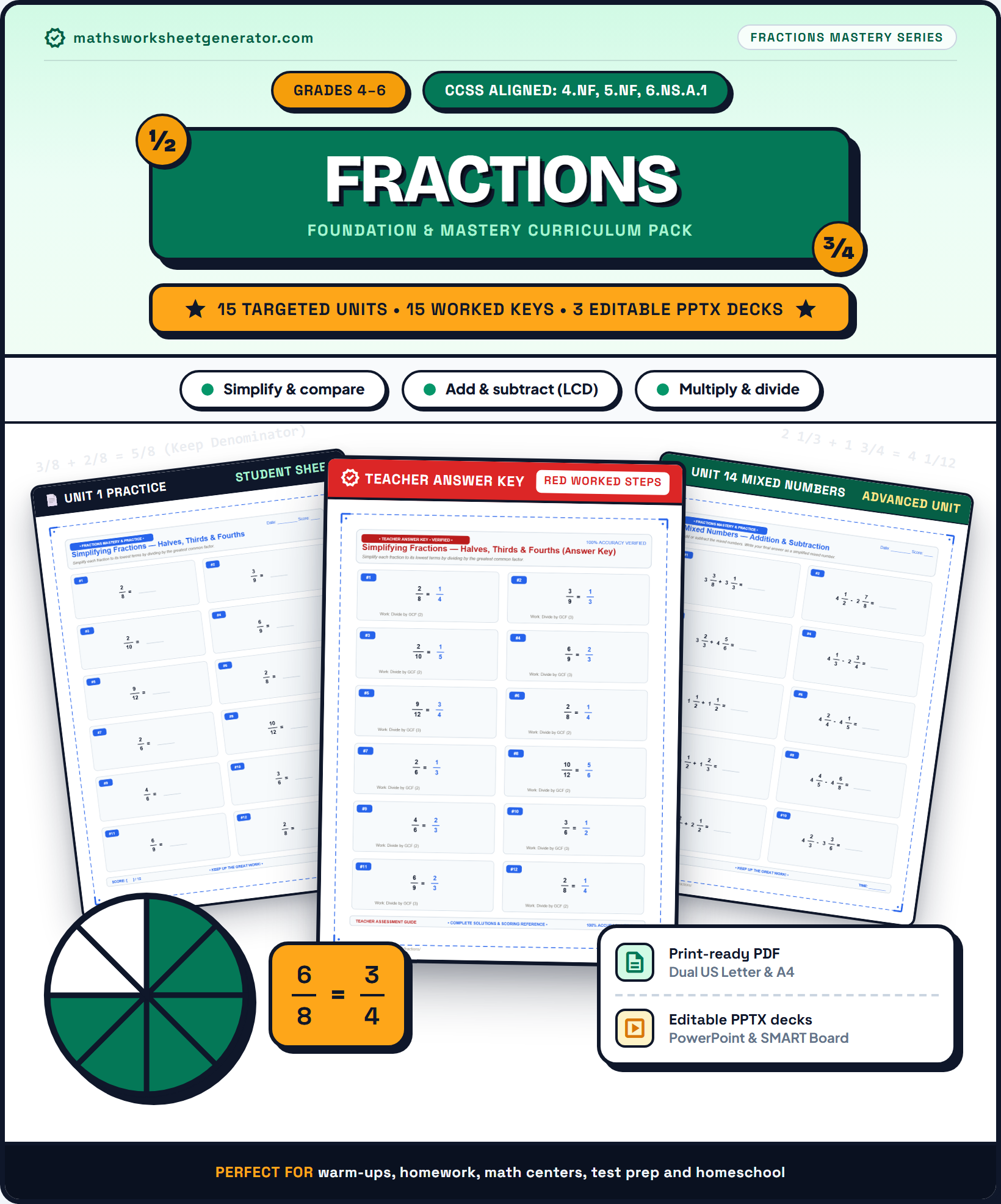 Classroom Cover$4.99
 Clean Layout$4.99
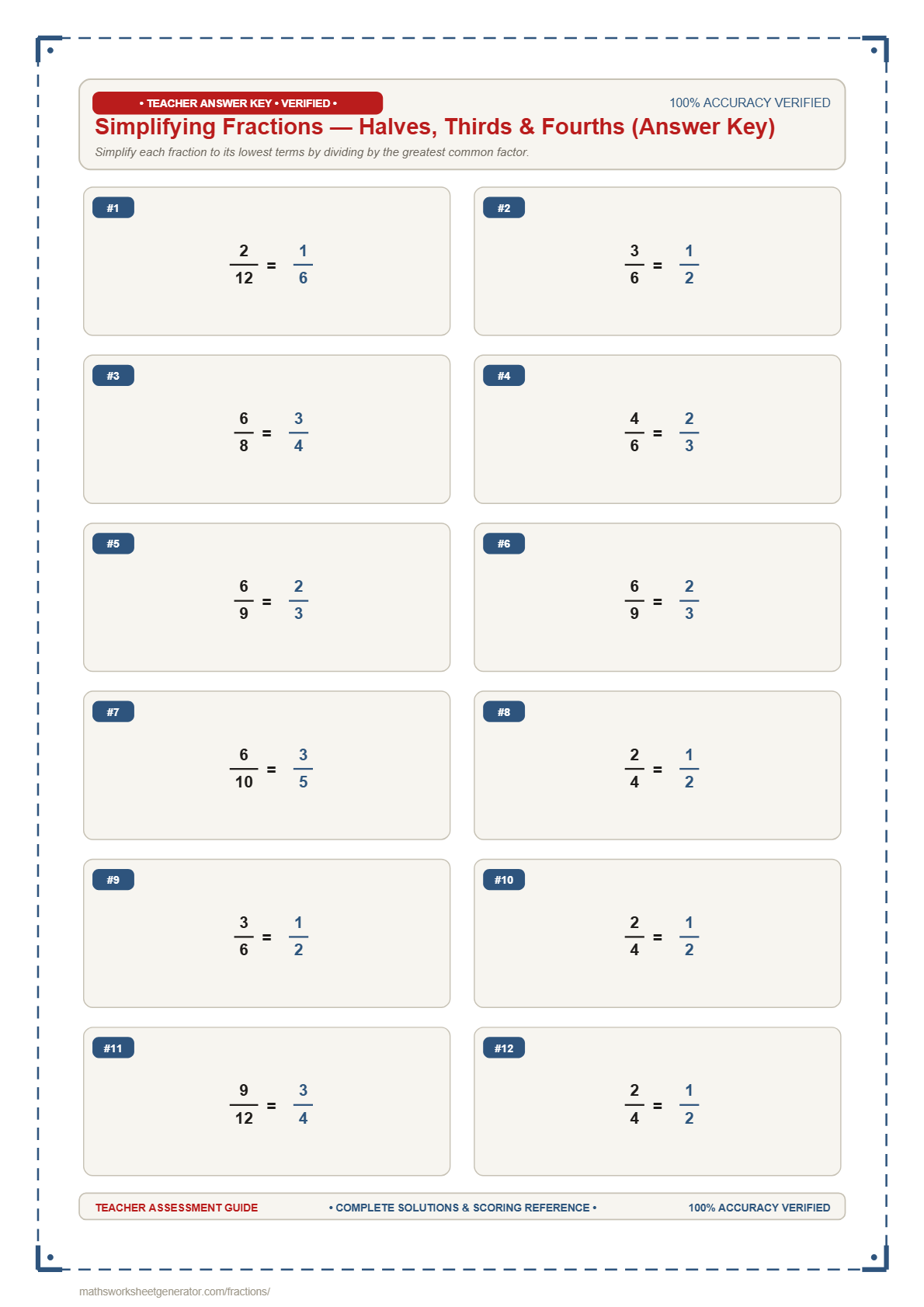 Full Solutions$4.99
What should kids practice?
Pick one fraction skill per worksheet — keeps the page focused, just like a school drill sheet.
Set denominator bounds
Control the denominator bounds for fractions in each problem.
Set numerator bounds
Control the numerator bounds for fractions in each problem.
Problems per page
The grid, spacing, and font size re-adjust automatically so the sheet always looks clean and properly margined.
Header info & sheets
Prints at the top of every page with blank Name, Date, and Score lines.
Generated fresh in your browser — nothing is uploaded anywhere. PPTX is fully editable in PowerPoint or Google Slides.
Instant Sheet Preview
Updates automatically as you change options. Toggle answer key or click refresh anytime.
📄 High-DPI Real-time Preview. Your PDF and PowerPoint exports match this layout exactly.
About this worksheet
Adding fractions is a fundamental 4th and 5th grade math skill. When fractions have the same denominator, students add the numerators while keeping the denominator unchanged. When denominators differ, students must first find a common denominator before adding.
Teaching tip: Encourage students to check if their answer can be simplified or rewritten as a mixed number after finding the sum.
A fraction worksheet generator built for elementary & middle school practice
Fractions are one of the most essential math concepts in upper elementary and middle school.Maths Worksheet Generator lets you create custom printable fraction worksheets in seconds for adding, subtracting, multiplying, and dividing fractions, simplifying fractions, mixed numbers, comparing fractions, and ordering fraction lists.
Instead of digging through generic static PDFs, you control the numerator and denominator bounds, set like vs unlike denominators, choose problem layouts, and generate sheets matched specifically to your students' exact skill level.
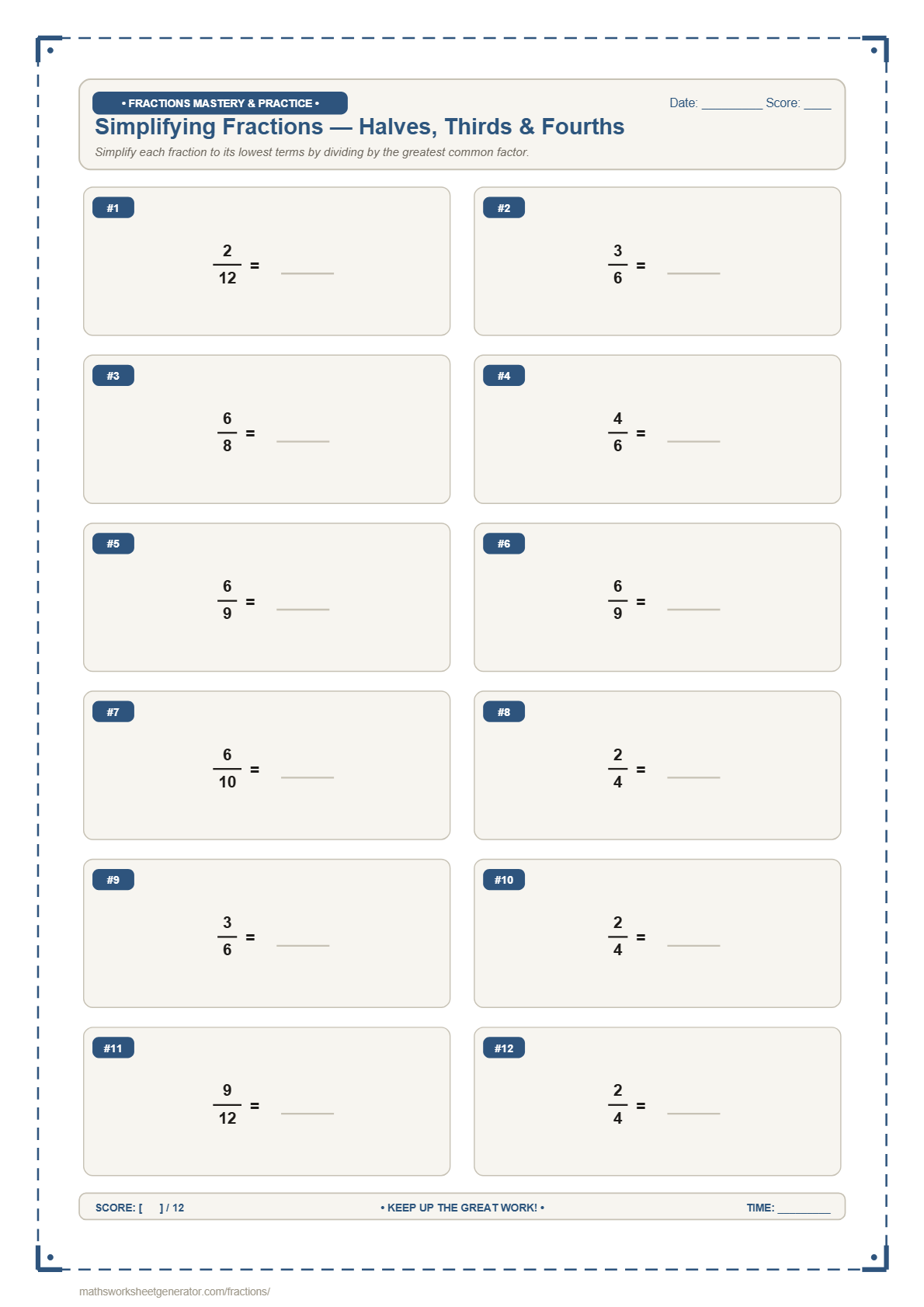
Every generated fraction worksheet features clean, vertical stacked fraction bars (numerator over denominator separated by a horizontal line), a student name line, date line, and score box — formatted identically to classroom test sheets.
Need an editable version for your slide deck or smart board? Download as PPTX alongside the standard PDF. Every fraction, operator symbol, and header line is built as a real PowerPoint text box or shape that opens ready to edit in PowerPoint, Google Slides, or Keynote.
How the fraction generator works
1. Pick a fraction skill. Addition, subtraction, multiplication, division, simplifying, mixed numbers, comparing, or ordering — each worksheet focuses on a specific operation.
2. Customize fraction bounds. Choose numerator and denominator ranges, select like vs. unlike denominators, or switch Mixed Numbers to "With Whole Number" mode (e.g., 5 − 8/12).
3. Choose problems per page. From 6 spacious problems for introductory practice up to 30 problems for drill sheets — spacing and font sizes adjust automatically so fraction bars never overlap.
4. Generate and download. Download print-ready PDFs or fully editable PowerPoint (PPTX) files with optional answer keys appended to the document.
Frequently asked questions
What types of fraction worksheets can I generate?
You can create custom worksheets for 8 distinct skills: Adding Fractions (like and unlike denominators), Subtracting Fractions (guaranteed non-negative results), Multiplying Fractions (by fractions or whole numbers), Dividing Fractions (reciprocal multiplication), Simplifying Fractions (reducing to lowest terms), Mixed Numbers (operations and whole numbers like 5 − 8/12), Comparing Fractions (<, >, =), and Ordering Fractions (sorting 3–5 fractions).
How do I generate fraction worksheets with like or unlike denominators?
When selecting Adding Fractions, Subtracting Fractions, or Comparing Fractions, choose between Like Denominators (same denominator for Grade 3/4) or Unlike Denominators (different denominators requiring LCM for Grade 5/6).
Can I generate worksheets that practice whole numbers with fractions?
Yes. Select Mixed Numbers, then under Mixed Number Problem Type choose With Whole Number. You can generate addition, subtraction, multiplication, or division problems combining whole numbers and fractions (such as 5 − 8/12 or 4 × 2/3).
How are fractions formatted on the PDF and PowerPoint exports?
All fractions are displayed with clean, vertical stacked fraction bars (numerator stacked over denominator). Font size and spacing adjust dynamically per cell so numerators, denominators, and horizontal fraction lines render clearly with zero line overlapping.
How do answer keys work with multi-page worksheets?
When Include Answer Key is set to Yes, all student problem worksheets are placed first, followed by all corresponding Answer Key pages grouped together at the very end of your PDF or PowerPoint document.
Can I download editable PowerPoint (PPTX) files?
Yes. Clicking Download as PPTX outputs a native PowerPoint presentation (.pptx) matched to A4 or Letter portrait dimensions. Every fraction, operator symbol, line, and header is a native text box or shape that you can edit, rearrange, or project in class.
What grade levels are these fraction worksheets designed for?
These worksheets align directly with Common Core standards for Grade 3 (visual unit fractions and like denominators), Grade 4 (common denominator addition/subtraction and equivalent fractions), Grade 5 (unlike denominators and fraction multiplication), and Grade 6 (fraction division and mixed numbers).