Classifying Angles Worksheets (Acute, Right, Obtuse, Straight)
Identify and classify geometric angles by comparing angle degree measures to 90° and 180° reference benchmarks.
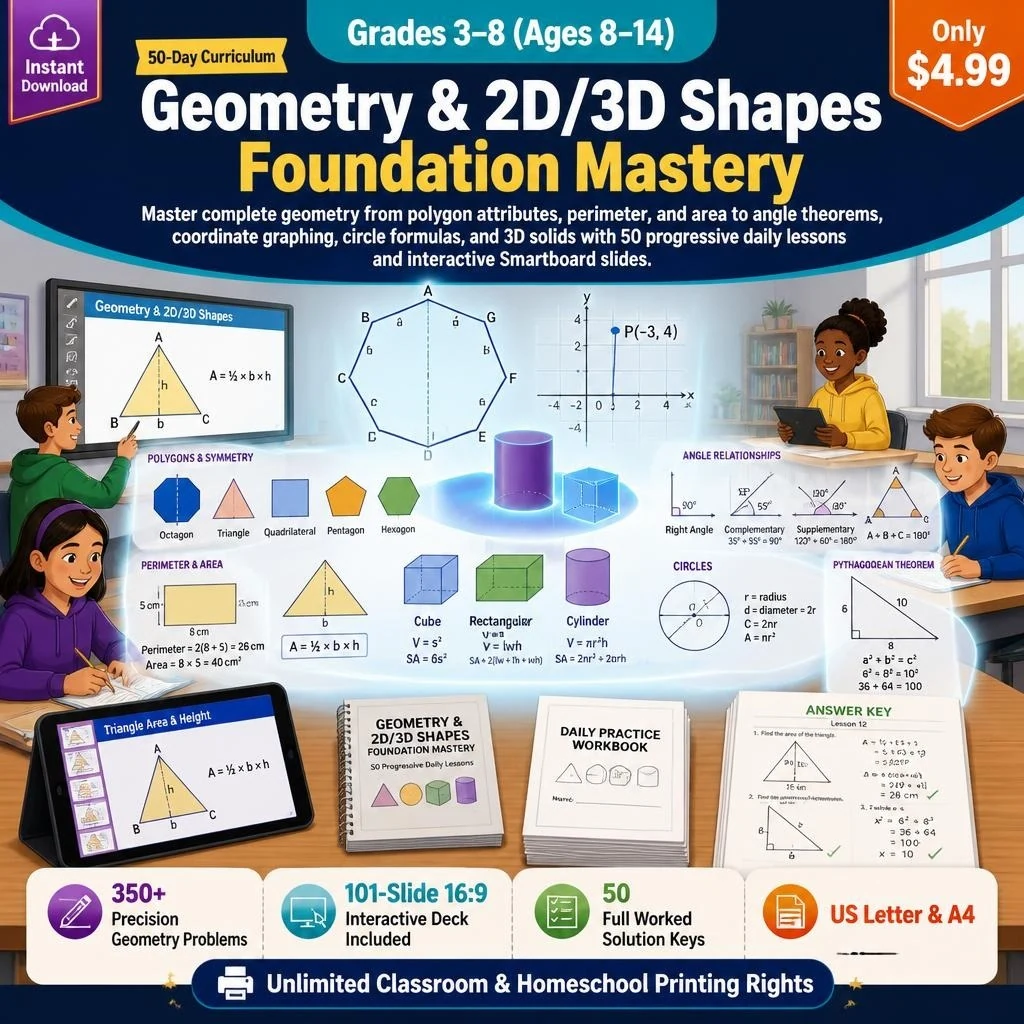 Cover$4.99
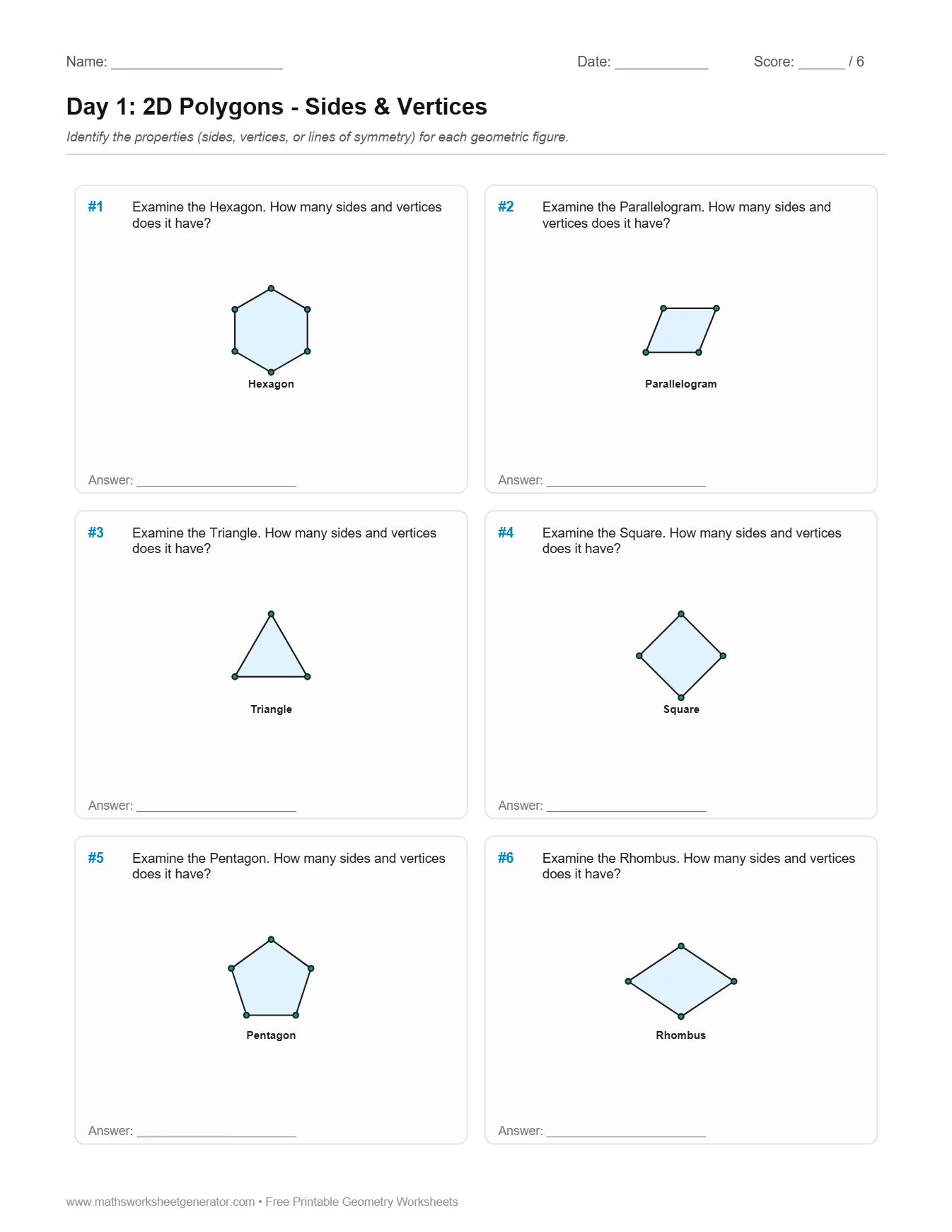 2D Attributes$4.99
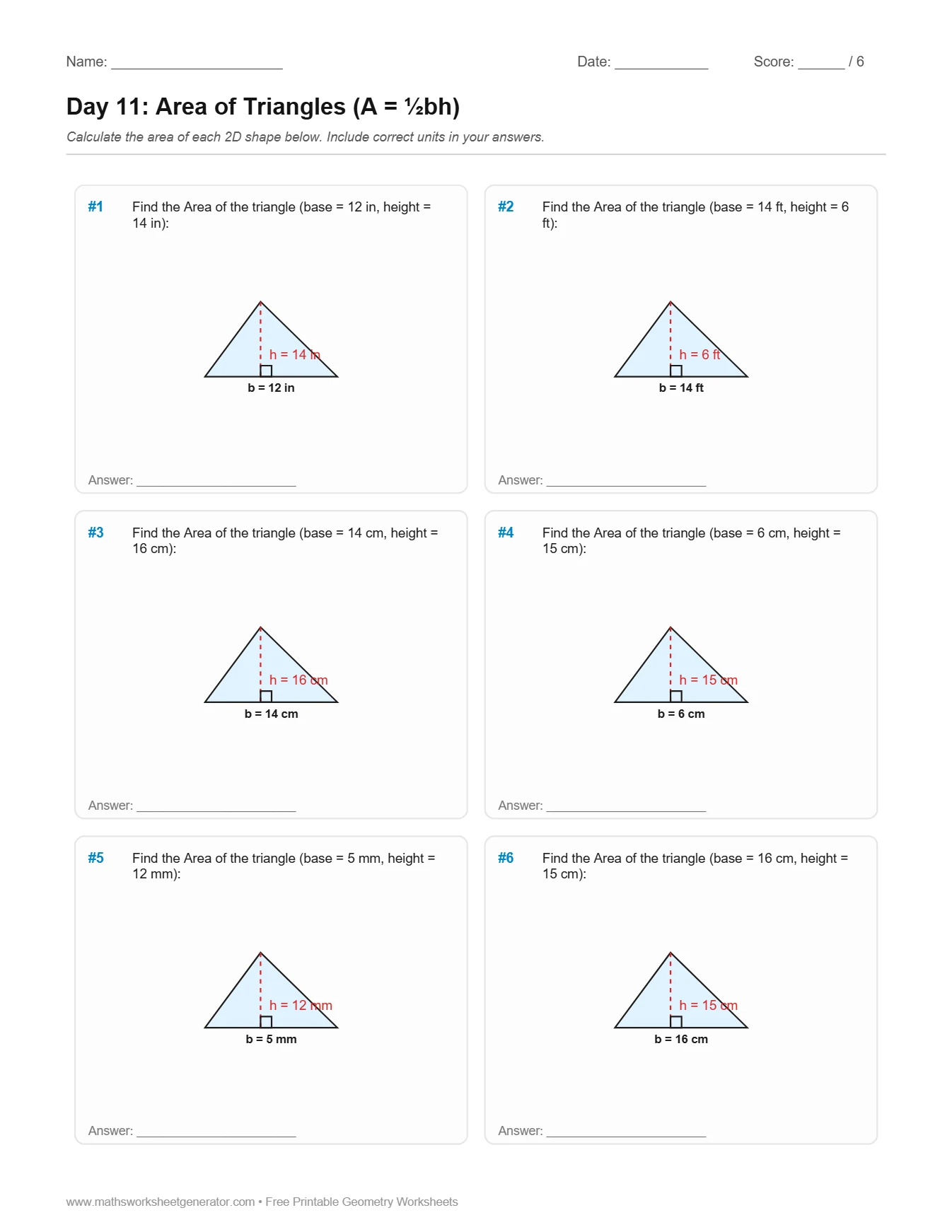 Perimeter & Area$4.99
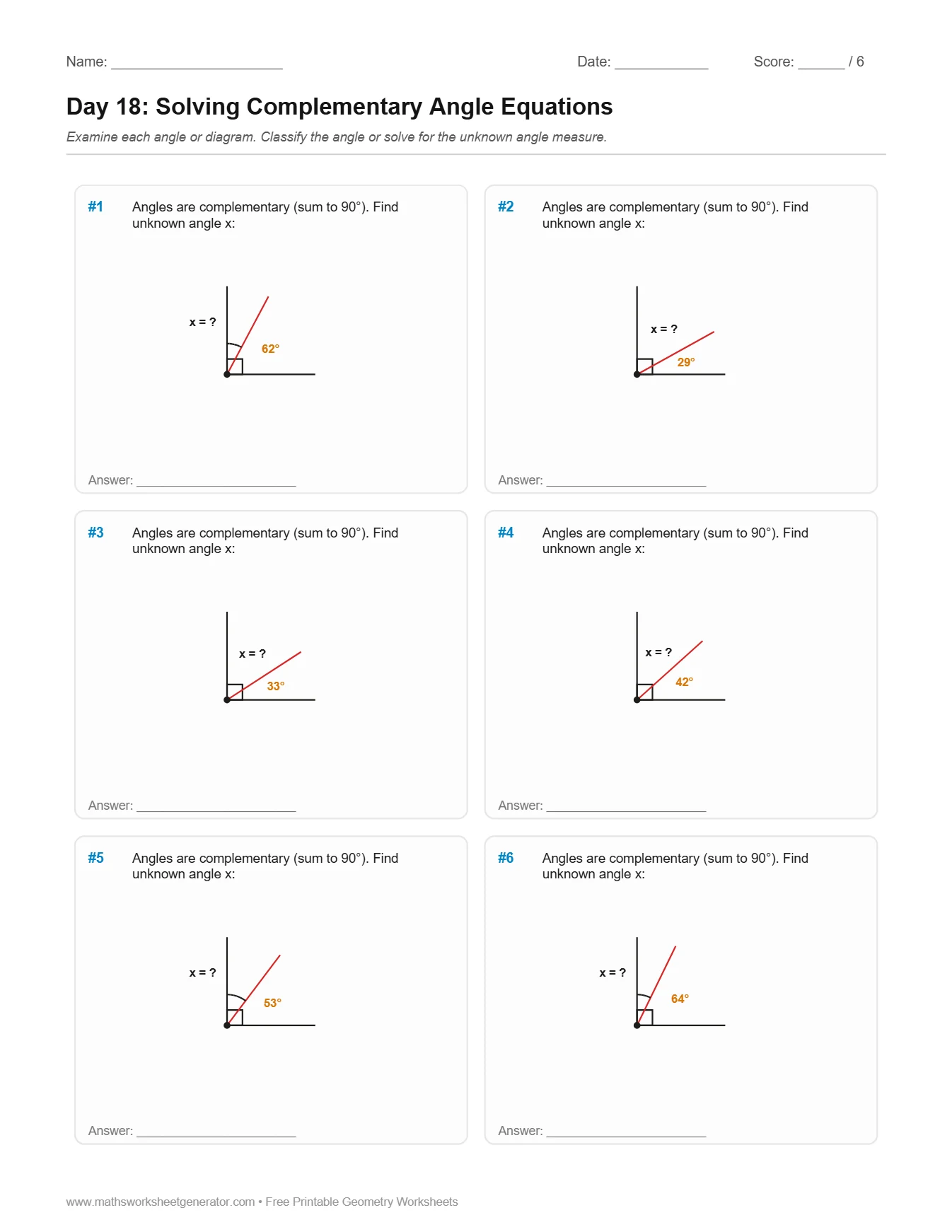 Angles$4.99
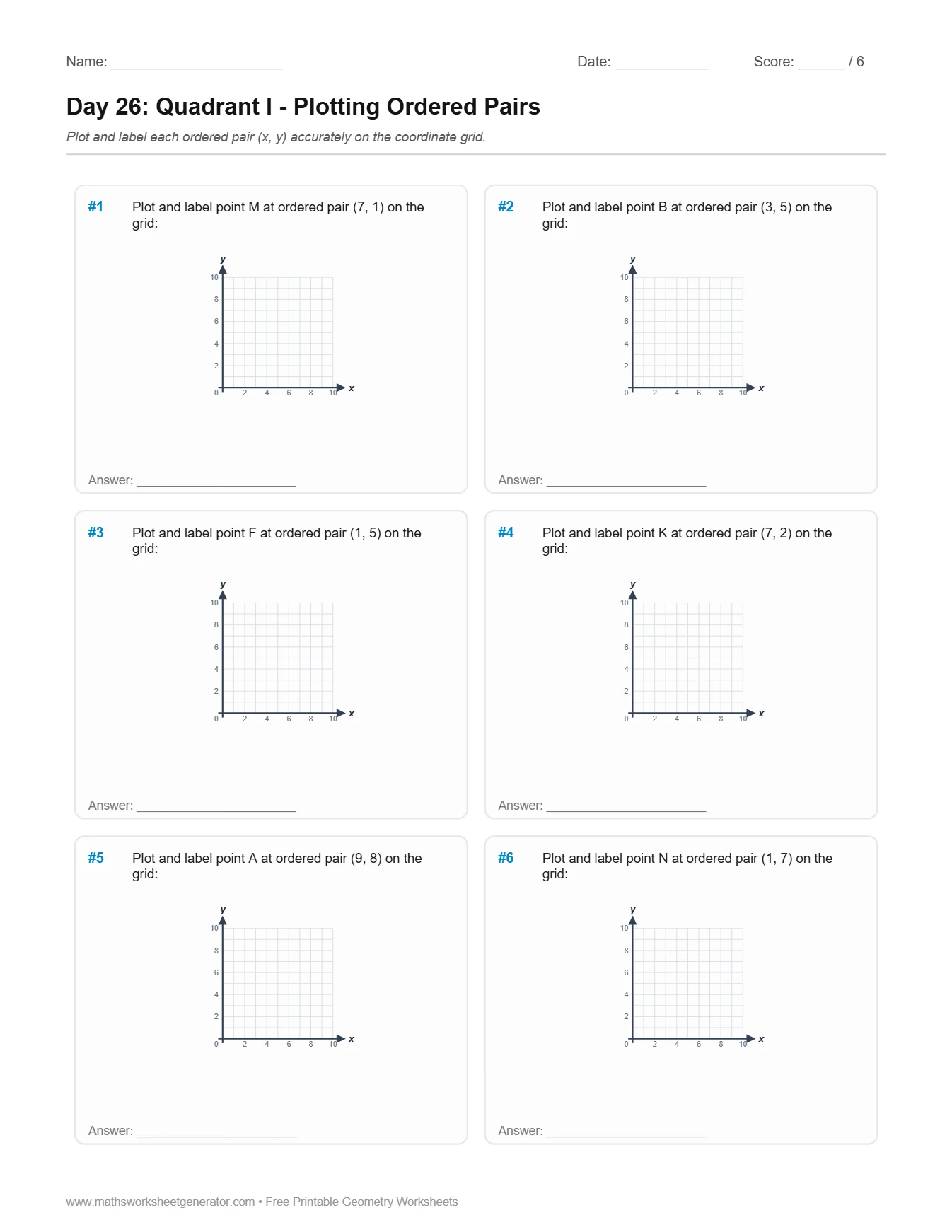 Coordinate Plane$4.99
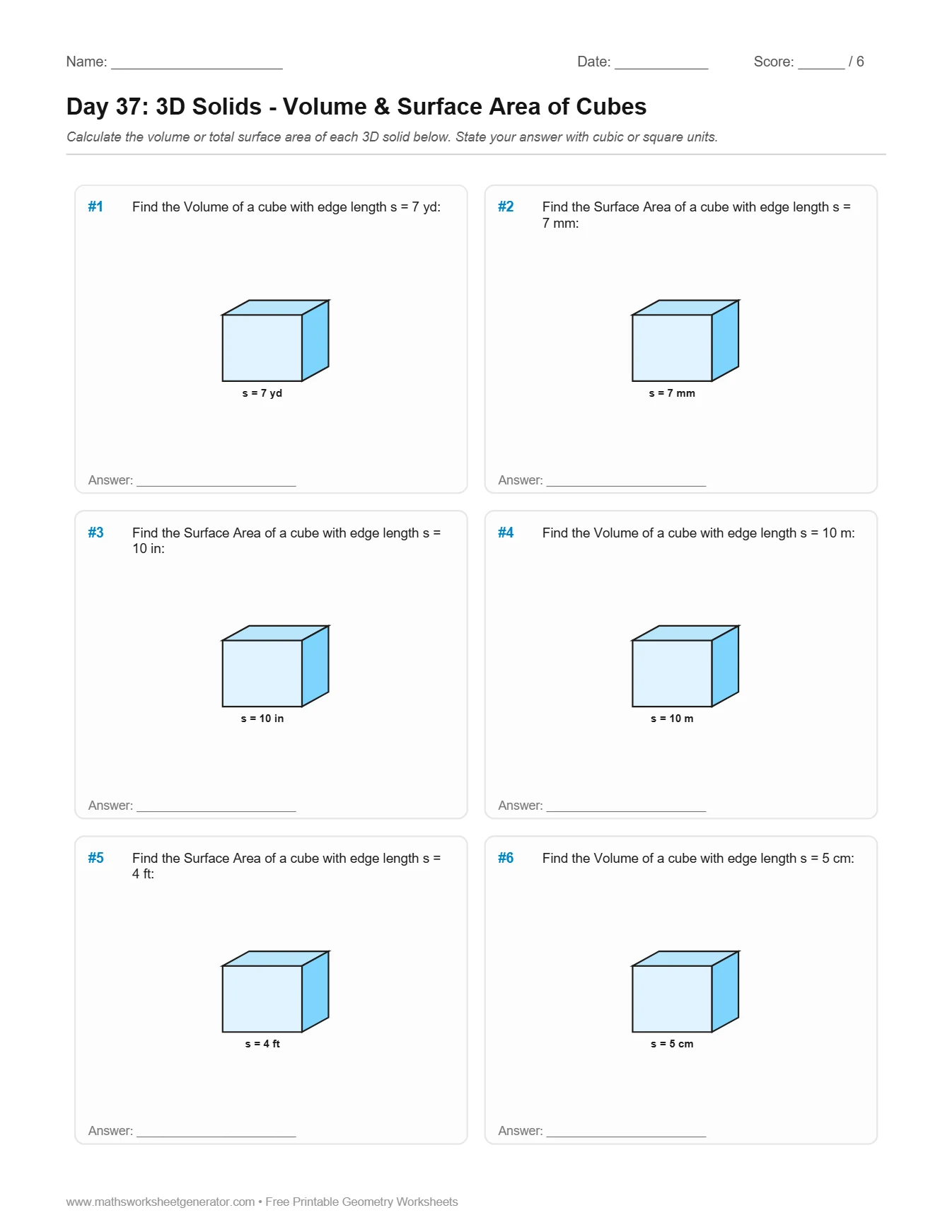 Volume & SA$4.99
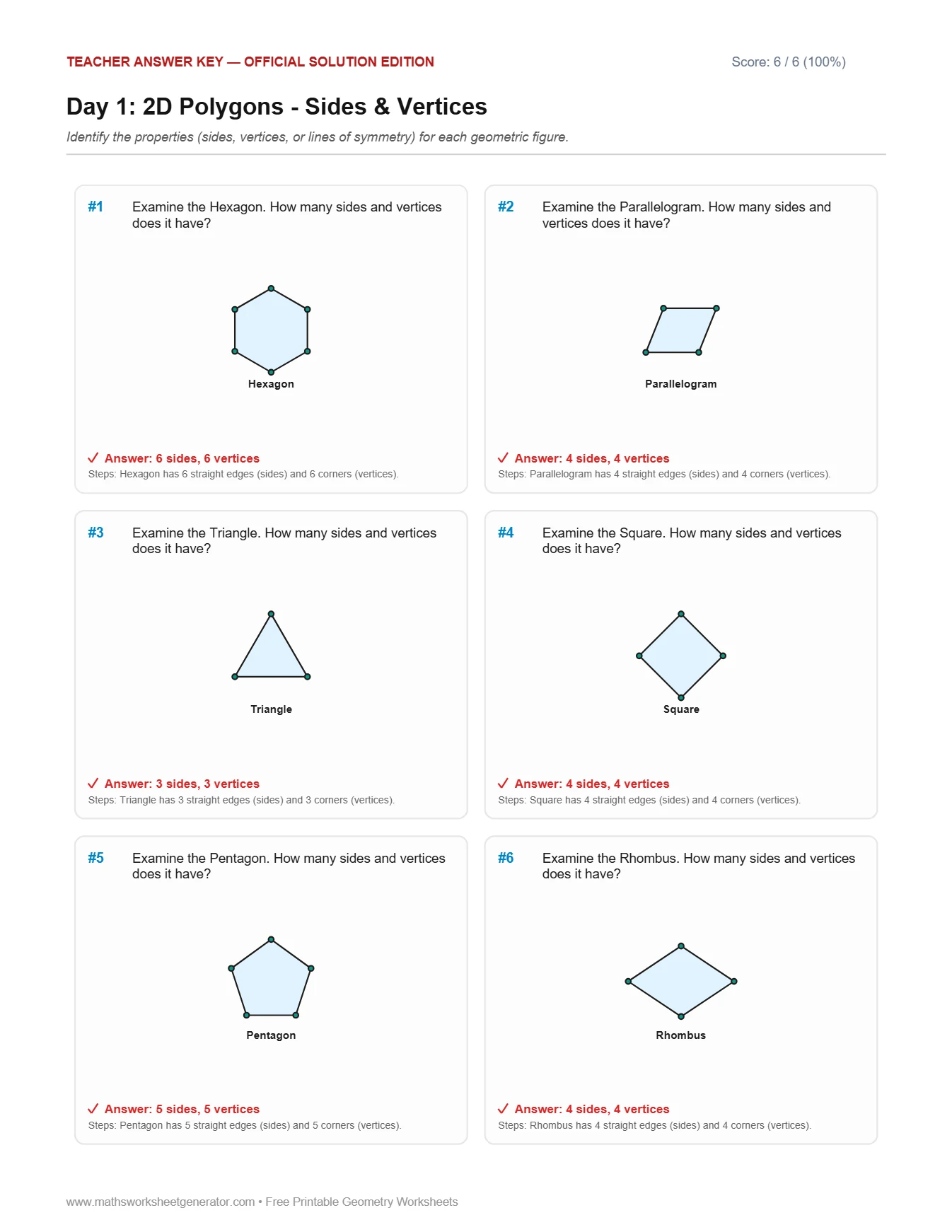 Full Solutions$4.99
Measurement Units
Choose Geometry Skill
Dimension Ranges & Difficulty
Choose dimension ranges to match your students' grade level, or set custom minimum and maximum bounds.
Problems per Page
Worksheet Header Details
Generated fresh in your browser. Vector rendering ensures crisp printing.
Instant Sheet Preview
📄 Real-time High-DPI Preview.
About Classifying Angles Worksheets (Acute, Right, Obtuse, Straight)
An angle measures the rotation between two rays sharing a common vertex: Acute (< 90°), Right (= 90°), Obtuse (> 90° and < 180°), and Straight (= 180°).
Teaching tip: Have students use the corner of an index card as a handy real-world 90° tester.
A Geometry Worksheet Generator built for elementary & middle school visual math
Geometry is inherently visual, yet most printable worksheets online rely on low-resolution blurry screenshots or text-only equations.Maths Worksheet Generator renders clean, high-precision mathematical vector diagrams—crisp polygon outlines, dimension callouts, angle arcs, right-angle markers, coordinate grids, and 3D isometric solids.
Generate worksheets across 7 comprehensive modes:Perimeter & Area (rectangles, triangles, parallelograms, trapezoids),Angles (acute, right, obtuse, straight, complementary, supplementary, vertical),Triangles & Pythagorean Theorem (a² + b² = c²),Circle Geometry (radius, diameter, circumference 2πr, and area πr²),Coordinate Plane Plotting (Quadrant 1 and 4 Quadrants),3D Solids (Volume V = lwh and total surface area across rectangular prisms, cubes, and cylinders with circular bases), and2D Shape Attributes & Lines of Symmetry.
All problems are constructed using reverse-derivation so students work with clean integers, verified Pythagorean triples, and clean geometric dimensions without frustrating non-terminating decimals.
Every generated worksheet includes full student headers and complete teacher worked solutions with step-by-step substitution formulas. Export as vector PDF or editable PowerPoint (PPTX) slides for interactive smartboard display.
How to Use the Generator
1. Choose Measurement Units: Select Mixed, Metric (cm, m, mm), US Customary (in, ft, yd), or Generic Units.
2. Select Geometry Mode: Choose between Perimeter & Area, Angles, Triangles & Pythagorean Theorem, Circles, Coordinate Plane, 3D Solids, or Shape Attributes.
3. Customize Question Types & Sub-Options: For 2D polygons, choose between Perimeter Only, Area Only, or Both (Mixed) with integer Heron triangles. For 3D solids, explicitly isolate Volume Only, Surface Area Only, or Both. For circles, select Radius & Diameter conversions, Circumference (2πr), Area (πr²), or combined practice with π ≈ 3.14 or 22/7.
4. Set Dimension Ranges & Difficulty: Choose from Basic (2–10) for early elementary foundations, Standard (4–20) for intermediate practice, Advanced (10–50) for multi-digit calculations, or define Custom Bounds for complete classroom differentiation across 2D polygons, circles, and 3D solids.
5. Export & Print: Pick your page size (A4 or US Letter) and download instant print-ready PDFs or editable PPTX slides.
Frequently Asked Questions & Teaching Tips
Can I set custom number ranges for shape dimensions?
Yes! Under the Number Ranges panel, you can choose Basic (2–10) for 3rd and 4th-grade conceptual introduction, Standard (4–20), Advanced (10–50), or type your own Custom Min & Max bounds. For concept-locked modes (Angles, Coordinate Grids, and Shape Attributes), the engine automatically preserves standardized theorem rules so diagrams and calculations remain clear and pedagogically sound.
Can I generate perimeter-only or area-only worksheets for 2D shapes?
Yes! Under the Perimeter & Area panel, you can choose Perimeter Only, Area Only, or Both (Mixed). For triangles, the engine utilizes verified integer Heron triangles (e.g., sides 13, 14, 15 with area 84) so perimeter and area calculations always result in clean whole numbers.
How does the generator calculate surface area for cylinders?
The total cylinder surface area combines the curved lateral area and the two circular bases: SA = 2πrh + 2πr² = 2πr(h + r). The teacher answer key provides the step-by-step substitution for both components using the chosen value of π.
How does the generator ensure triangle and trapezoid areas are whole numbers?
The engine enforces parity constraints during problem generation. For triangles (A = ½ × b × h), at least one dimension is always even, ensuring b × h divides by 2 with no remainder. For trapezoids (A = ½ × (a + b) × h), the engine guarantees that either the sum of the parallel bases (a + b) is even or the height h is even.
Are the Pythagorean Theorem side lengths whole numbers?
Yes! By default, the engine pulls from primitive Pythagorean triples—such as (3, 4, 5), (5, 12, 13), (8, 15, 17), and (7, 24, 25)—scaled by integer factors. This ensures that hypotenuse calculations yield exact integers without messy irrational square roots.
Can I edit the shapes and labels in PowerPoint?
Yes! When you click Download Editable PowerPoint (PPTX), each diagram is compiled as native PowerPoint shapes (rectangles, triangles, lines, text boxes), allowing you to recolor shapes, edit numbers, or enlarge diagrams on an interactive classroom whiteboard.